Introduction
Downloading images and videos from websites like Pixiv, Twitter/X, Reddit, and Tumblr has become a common need for creators, researchers, archivists, and digital collectors. Whether you’re saving artwork, backing up social media posts, or building datasets, choosing the right downloading tool matters more than most users realize.
After clarifying why downloading tools matter, let’s examine the two primary methods available to users: command-line tools like gallery‑dl and graphical user interface (GUI) downloaders such as browser extensions, desktop apps, and web-based download tools.
At first glance, GUI tools look easier. They are visual, beginner-friendly, and require no coding knowledge. On the other hand, gallery‑dl offers unmatched flexibility, automation, and control, but it has a steep learning curve.
So which one is better?
In this in‑depth comparison of gallery‑dl vs. GUI downloaders, we will explore their pros and cons, performance differences, scalability, automation capabilities, SEO use cases, and real‑world workflows. By the end, you’ll clearly understand which solution fits your needs.
What is gallery‑dl, and What Are GUI Downloaders?
Before comparing them, let’s define both tools clearly.
What is gallery‑dl?
gallery‑dl is an open‑source, Python-based command‑line media downloader. It allows users to download images, videos, and entire galleries from supported platforms, including Pixiv, Twitter/X, Reddit, Tumblr, DeviantArt, and many more.
It works through terminal commands and configuration files. Unlike simple browser downloaders, it supports:
- Batch downloads
- Metadata extraction
- Tag-based filtering
- Authentication
- Folder structuring
- Automation scripts
Because of this, it is often described as a power-user bulk media downloader.
What Are GUI Downloaders?
GUI (Graphical User Interface) downloaders are visual tools that allow users to click buttons instead of typing commands. Examples include:
- Browser extensions (like image downloader plugins)
- Desktop apps with drag‑and‑drop interfaces
- Online web-based download services
GUI tools typically market themselves as:
- Easy media downloader
- One-click image saver
- Simple Tumblr downloader
- Twitter video downloader online
They focus on accessibility and ease of use.
Ease of Use: Simplicity vs Technical Control
Let’s start with what most users care about — how easy it is to use.
GUI downloaders win in simplicity. You install them, paste a link, and click download. There is no need to open a terminal or edit JSON configuration files. For casual users who occasionally download Tumblr images, GUI tools feel comfortable and straightforward.
gallery‑dl, however, requires:
- Installing Python (in most cases)
- Running terminal commands
- Editing config files for advanced customization
This creates a learning curve. Beginners may find command-line tools intimidating at first.
But here’s the difference: once configured, gallery‑dl becomes faster and more efficient than almost any GUI alternative.
So in terms of ease:
- GUI tools → better for beginners
- gallery‑dl → better for serious, long-term workflows
Performance & Speed: Which Is More Efficient?
Performance is where the comparison becomes interesting.
GUI tools often rely on:
- Browser scraping
- Limited API calls
- Manual interaction
Because of this, they may slow down with large galleries or fail when websites update their layout.
In contrast, gallery‑dl is optimized for structured extraction. It communicates directly with platform logic and supports parallel downloads. When downloading hundreds or thousands of images from Pixiv portfolios, Reddit threads, or entire Tumblr blog archives, it handles bulk media extraction with remarkable stability.
For example:
- Downloading 1,000 images manually with a GUI tool can take hours.
- Running a single gallery‑dl command can process the same data in a fraction of the time.
When it comes to bulk media downloader performance, gallery‑dl clearly dominates.
Automation & Scheduling Capabilities
Here’s where GUI tools struggle the most.
Most graphical downloaders are designed for manual usage. You open the app, paste a link, and click download. That’s it.
gallery‑dl, however, supports automation.
You can:
- Schedule downloads using cron jobs (Linux/macOS)
- Use Windows Task Scheduler
- Create custom scripts
- Automatically update archives daily.
- Integrate with data pipelines.
This makes gallery‑dl ideal for:
- Digital archivists
- Researchers building datasets
- Social media analysts
- Content aggregators
- SEO media collectors
If you need an automated Tumblr blog archiver that updates weekly, GUI tools simply cannot compete.
Customization & File Organization
Organization is critical when dealing with large collections. GUI downloaders often save files into a single folder. Some allow basic renaming, but customization is limited.
gallery‑dl supports advanced directory structures such as:
- Organizing by artist name
- Sorting by subreddit
- Grouping by tags
- Including metadata in filenames
- Separating images and videos
For example, you can configure it to automatically create folders like:
Pixiv/ArtistName/
Tumblr/BlogName/
Reddit/SubredditName/
Twitter/Username/
This level of precision is extremely useful for:
- Professional asset libraries
- Research projects
- Media curation systems
In terms of flexibility, gallery‑dl offers enterprise-level functionality compared to basic GUI-based file saving.
Website Support & Compatibility
GUI downloaders often specialize in one platform. You may find:
- A dedicated Twitter video downloader
- A basic Tumblr media downloader
- A Reddit image saver extension
But you usually need different tools for different sites.
gallery‑dl supports multiple platforms within a single system. It works across:
- Pixiv
- Twitter/X
- Tumblr
- DeviantArt
- ArtStation
- Many others
Instead of installing separate software, you use one powerful engine.
From a workflow perspective, this reduces fragmentation and improves efficiency.
Security & Privacy Considerations
Web-based GUI downloaders often require you to paste URLs into third-party websites. This raises concerns about:
- Data tracking
- Malware ads
- Link logging
- Account credential risks
Desktop GUI apps may also bundle unwanted software.
gallery‑dl runs locally on your system. It does not require uploading URLs to external services. If configured properly, it provides a safer environment for downloading media, especially when dealing with private collections.
For users concerned about privacy and digital security, command‑line tools generally provide more transparency.
Limitations of gallery‑dl
To be fair, gallery‑dl is not perfect.
Some drawbacks include:
- Requires basic technical knowledge
- The command-line interface may intimidate beginners.
- Configuration can feel complex at first.
- Some sites require authentication setup.
Additionally, if a website changes its API structure, updates may temporarily break extraction until the issue is patched.
However, because it is open-source, community updates usually arrive quickly.
Limitations of GUI Downloaders
GUI tools also come with serious drawbacks:
- Limited bulk download capabilities
- Poor metadata support
- No automation features
- Often slower with large galleries
- Break easily when the website layout changes.
- May include ads or tracking
They are ideal for casual use but not scalable.
Real-World Use Cases Comparison
Let’s examine practical scenarios.
Scenario 1: Casual User Saving 10 Images
If someone wants to save a few memes from Reddit or a handful of Tumblr GIFs, a simple GUI tool is sufficient. There’s no need for scripting or automation.
Scenario 2: Artist Archiving 5,000 Pixiv Illustrations
Here, gallery‑dl clearly wins. It handles bulk downloads, high-resolution files, and automatically structured folders.
Scenario 3: Researcher Building a Dataset
A researcher analyzing visual trends across subreddits would benefit from:
- Metadata extraction
- Automated filtering
- Scheduled downloads
Only gallery‑dl supports this level of depth.
Scenario 4: Social Media Content Curator
Someone managing multiple fandom archives or using a bulk-Tumblr-GIF-downloader workflow will appreciate automation and tag filtering.
When Should You Choose gallery‑dl?
You should choose gallery‑dl if:
- You need bulk downloads.
- You value automation
- You require structured file organization.
- You handle large media collections.
- You prefer open-source tools.
- You care about privacy.
When Should You Choose a GUI Downloader?
GUI tools are suitable if:
- You only download occasionally.
- You dislike command-line interfaces.
- You want a quick, no-setup solution.
- You are not managing large datasets.
Final Verdict: Which One Is Better?
There is no universal winner — it depends on your needs.
For beginners or casual users, GUI downloaders offer convenience and speed without the complexity of command-line tools.
For power users, archivists, researchers, and automation-focused workflows, gallery‑dl is significantly more powerful, scalable, and reliable.
If your goal is to extract professional-level bulk media from platforms like Pixiv, Reddit, Twitter/X, or Tumblr, the flexibility of gallery‑dl makes it the superior long-term solution.
Conclusion
The debate between gallery‑dl vs GUI downloaders ultimately comes down to control versus simplicity.
GUI tools are accessible and beginner-friendly. They work well for light usage but struggle with scale and automation.
gallery‑dl, on the other hand, delivers unmatched customization, automation, bulk downloading, and cross-platform support. While it requires initial setup and technical comfort, it becomes exponentially more powerful over time.
For users serious about building organized media libraries, maintaining archives, or automating downloads, gallery‑dl stands out as the smarter investment.
Frequently Asked Questions (FAQs)
1. Is gallery-dl better than GUI downloaders?
gallery-dl is better than most GUI downloaders for bulk downloads and automation.
Because it is a command-line tool, gallery-dl allows users to download large galleries, entire profiles, or multiple albums using scripts and automated tasks. However, GUI downloaders may be easier for beginners who only need quick, one-time downloads.
2. Is gallery-dl safe?
Yes, gallery-dl is generally safe to use.
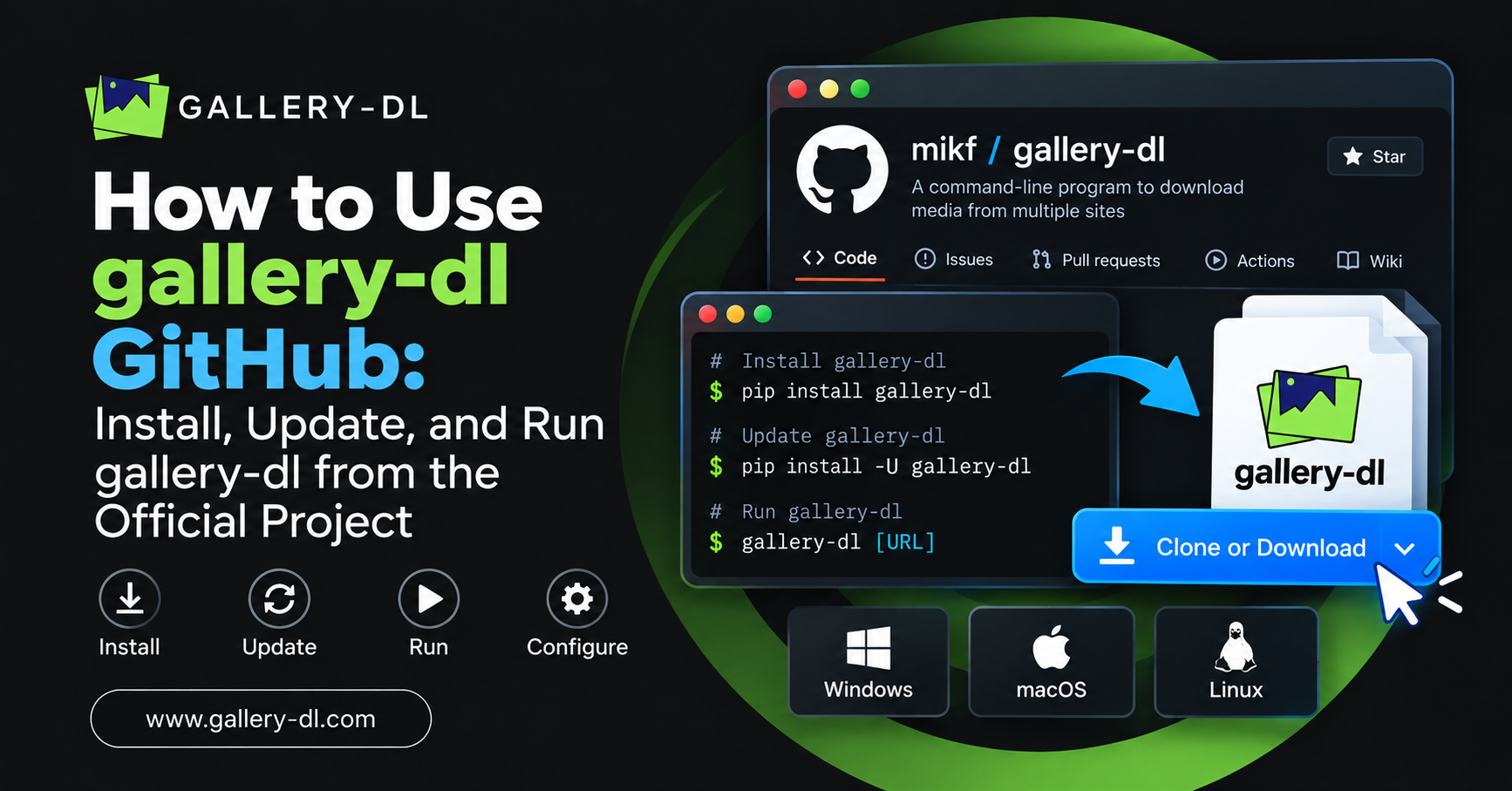
It is open-source software that runs locally on your computer, which means your data stays on your system. For security, always download gallery-dl from official sources such as its GitHub repository.
3. Do GUI downloaders support automation?
Most GUI downloaders do not support advanced automation features.
They are mainly designed for manual downloads through a graphical interface. In contrast, command-line tools like gallery-dl safe allow scripting, scheduled downloads, and automated media collection.
4. Can gallery-dl download Tumblr blogs?
Yes, gallery-dl can download Tumblr blogs and media content in bulk.
It works effectively as a Tumblr blog archiver, allowing users to quickly and efficiently download images, GIFs, and other supported media files from Tumblr blogs.
Latest Post: