
Introduction
Many users rely on gallery-dl as a powerful command-line tool to download images, videos, and galleries from popular platforms such as Pixiv, Reddit, Tumblr, and Twitter/X. However, one of the most common issues users encounter is when gallery-dl fails to download from Twitter.
Twitter (now officially called X) frequently updates its API, authentication system, and media delivery methods. These platform changes can sometimes temporarily break download tools, leading to issues such as failed downloads, authentication errors, or missing media files.
If you’re seeing messages like:
- HTTP Error 403
- Authentication required
- ExtractorError: Unable to download media
- No media found
then you’re likely experiencing a Twitter download issue with gallery-dl.
The good news is that most of these problems are easy to fix. In this guide, we’ll walk through why gallery-dl fails to download Twitter media and provide step-by-step solutions to fix the issue. By the end, you’ll be able to restore your Twitter media downloader workflow and successfully download photos, videos, and threads again.
What Causes gallery-dl Twitter Download Failures
Before fixing the issue, it’s important to understand why gallery-dl cannot download Twitter media in the first place.
Several factors can trigger download errors:
- Twitter login requirements
- API changes on Twitter/X
- Outdated gallery-dl version
- Missing cookies or authentication tokens
- Rate limits or network restrictions
Because Twitter frequently updates its platform security, tools like gallery-dl must adapt regularly. If your setup isn’t up to date or properly configured, downloads may fail.

Common Error Messages When Downloading Twitter Media
When gallery-dl Twitter downloads fail, users often see specific error messages.
Some common examples include:
HTTP Error 403: Forbidden
This usually indicates that Twitter authentication is required.
Another error might appear like this:
ExtractorError: Unable to extract media
This typically occurs when Twitter changes its API structure.
You may also encounter:
No results found
This often means the tweet requires a login or the account is private.
Understanding these errors helps determine which fix to apply.
Fix #1: Update gallery-dl to the latest version.
The most common cause of Twitter download failures is an outdated version of gallery-dl.
Developers frequently update the tool to support new platform changes, so installing the latest version often resolves issues immediately.
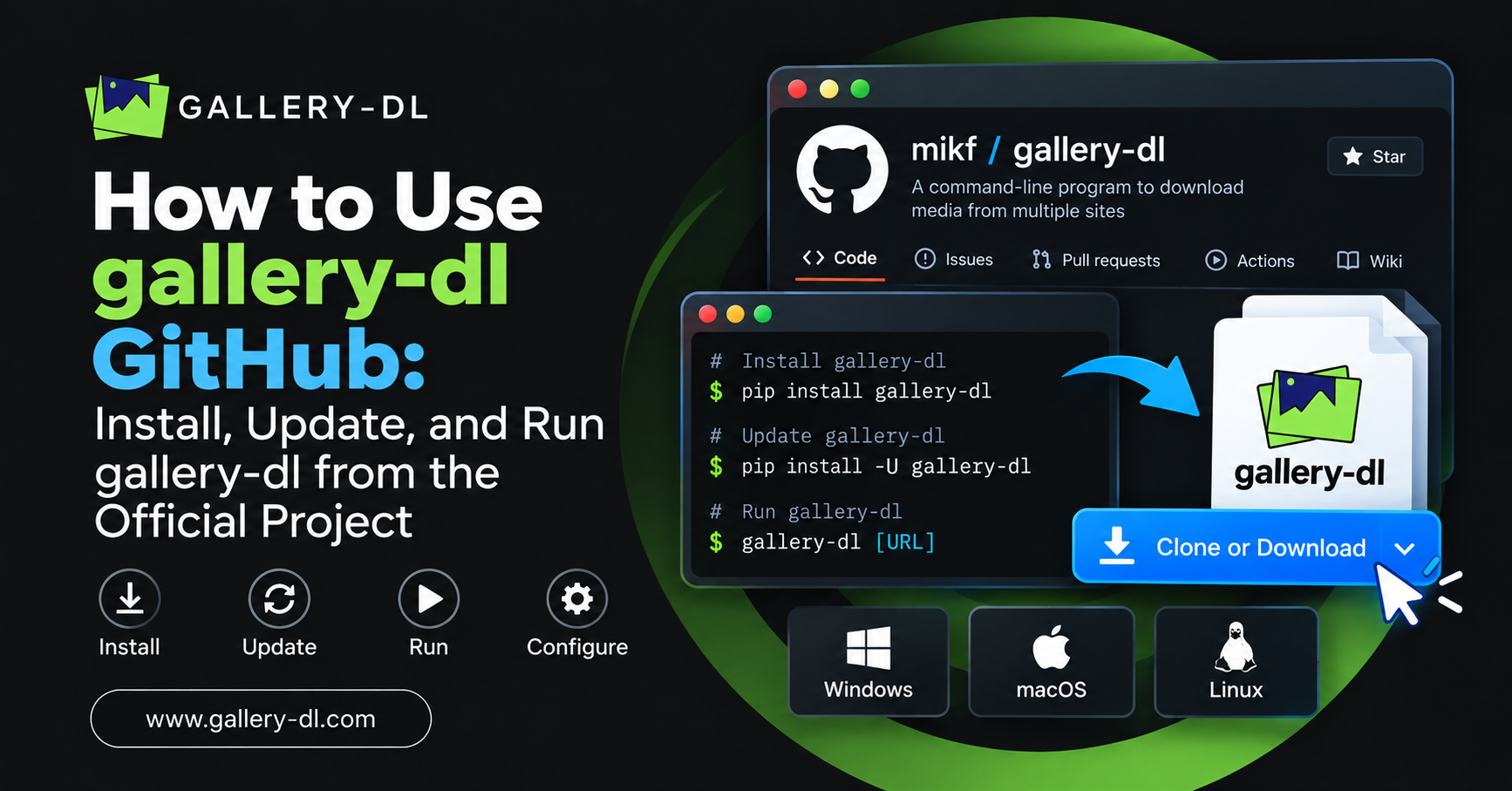
Update gallery-dl using:
pip install --upgrade gallery-dl
If you’re using a package manager, update accordingly.
For example:
Homebrew (macOS):
brew upgrade gallery-dl
APT (Ubuntu/Debian):
sudo apt updatesudo apt upgrade gallery-dl
After updating, test the command again to see if Twitter media downloads work correctly.
Fix #2: Use Twitter Authentication (Cookies)
Twitter increasingly requires authentication to view and download media. If gallery-dl safe to download images or videos from Twitter, you may need to provide login cookies.
Authentication allows gallery-dl to access content that requires a login.
Step 1: Export Twitter Cookies
Install a browser extension such as:
- Get cookies.txt
- Cookie-Editor
Export your Twitter/X cookies to a file called:
cookies.txt
Step 2: Use Cookies with gallery-dl
Run the download command with the cookies. option:
gallery-dl --cookies cookies.txt https://twitter.com/username/status/123456
Using cookies enables gallery-dl to access authenticated media.
This method fixes many issues where gallery-dl cannot download Twitter images.
Fix #3: Check If the tweet requires a login
Some tweets require users to log in before viewing media. This includes:
- Age-restricted tweets
- Sensitive media tweets
- Private accounts
- Logged-in content
If the tweet cannot be viewed without logging in, gallery-dl will fail unless authentication is provided.
Using cookie authentication usually solves this problem.
Fix #4: Verify the Tweet URL Format
Sometimes download failures occur simply because of incorrect URLs.
Make sure you are using the correct tweet format:
https://twitter.com/username/status/123456789
Avoid shortened links or mobile URLs like:
https://mobile.twitter.com/
Using the standard format improves compatibility with the gallery-dl Twitter extractor.
Fix #5: Enable Debug Mode to Identify Errors
If downloads still fail, you can enable debug output to diagnose the issue.
Run:
gallery-dl -v https://twitter.com/username/status/123456
Verbose mode shows detailed logs, including:
- API requests
- Authentication errors
- Extractor failures
This information helps identify exactly why gallery-dl fails to download Twitter media.
Fix #6: Check Internet or Firewall Restrictions
Sometimes download errors are caused by network restrictions rather than gallery-dl itself.
Possible causes include the following:
- Corporate firewalls
- VPN restrictions
- DNS filtering
- ISP rate limits
Try the following:
- Disable VPN temporarily
- Switch networks
- Test another tweet
If downloads work on another network, the problem is likely a connection restriction.
Fix #7: Confirm the Tweet Contains Downloadable Media
Not all tweets contain downloadable files.
For example, tweets with:
- External links
- Embedded websites
- Deleted media
- Protected content
may not work with gallery-dl.
Verify that the tweet actually contains images or videos.
Fix #8: Clear Old Configurations
If you previously configured gallery-dl settings, outdated configurations may interfere with downloads.
Check your configuration file:
~/.config/gallery-dl/config.json
Look for outdated Twitter extractor settings.
Removing or updating them may fix download issues.
Fix #9: Check for Platform Changes on Twitter/X
Because Twitter/X frequently changes its platform structure, download tools occasionally stop working temporarily.
When this happens:
- Wait for a gallery-dl update
- Check the GitHub repository for patches
- Update your installation once fixes are released
Most Twitter media downloader issues are resolved quickly after updates.
Best Practices for Reliable Twitter Downloads
To avoid future issues with gallery-dl Twitter downloads, follow these best practices:
- Keep gallery-dl updated regularly
- Use authentication cookies when needed
- Avoid outdated tweet links
- Check logs using verbose mode
- Maintain a clean configuration file
Following these practices ensures smoother downloads when using gallery-dl to download Twitter media.
Testing Your Fixed Setup
Once you apply the fixes above, test your setup again.
Example command:
gallery-dl https://twitter.com/NASA/status/123456789
If everything works correctly, gallery-dl will automatically download images or videos from Twitter.
You can then continue using gallery-dl to collect media from supported platforms.
Many users combine it with tools for downloading from Pixiv, archiving Reddit galleries, or using it as a Tumblr media downloader to download Tumblr images and maintain a Tumblr blog archiver.
Conclusion
When gallery-dl fails to download from Twitter, the issue is usually caused by authentication requirements, outdated software, or platform changes introduced by Twitter/X. Fortunately, most problems can be resolved quickly by updating gallery-dl, using cookies for authentication, verifying tweet URLs, and checking configuration settings.
Because Twitter continually evolves its API and security measures, keeping your tools up to date and properly configured is essential. Once everything is set up correctly, gallery-dl remains one of the most reliable command-line tools for downloading Twitter media, including images, videos, and full tweet galleries.
With the troubleshooting steps provided in this guide, you should now be able to restore your workflow and continue downloading media without interruption.
FAQs
Why does gallery-dl fail to download images from Twitter?
The most common reason is that Twitter/X requires authentication to access certain media. Updating gallery-dl and using cookie authentication usually fixes the issue.
How do I fix HTTP 403 error when downloading from Twitter?
An HTTP 403 error typically indicates restricted access. Using Twitter cookies with gallery-dl enables the tool to access authenticated media and download images or videos.
Can gallery-dl download Twitter videos?
Yes. gallery-dl is a Twitter media downloader that lets users download images and videos from tweets when properly configured.
Do I need a Twitter account to download media?
Not always, but some tweets require login access. In those cases, exporting Twitter cookies from your browser and using them with gallery-dl solves the problem.
How do I update gallery-dl to fix Twitter download issues?
Run the command:
pip install –upgrade gallery-dl
Updating ensures compatibility with recent changes on the Twitter/X platform.
Latest Post: