gallery‑dl Failure After Site Layout Change (Updater Fix)
Waking up to a gallery-dl failure after a site layout change is a common headache for digital archivists in 2026. When a major image hosting site or social media platform updates its internal code, it often breaks the extractors.
These layout changes can cause your downloads to stop immediately, leaving you with error messages or empty folders. Your scripts need to know how to get from a broken extractor to a new update.
This post is all about the “Updater Fix” method, which is the easiest way to update your core files. You can keep your media library growing without getting angry if you stay ahead of technological changes.
What Triggers an Extractor Failure During Site Updates?
The primary reason for a sudden failure is usually a mismatch between the program’s logic and the website’s actual code. If a site changes its internal structure, the “map” the software uses to find images becomes outdated and useless.
In 2026, many sites will also switch their data delivery methods, meaning the old way of asking for files no longer works. This results in the program reporting that it cannot find any media, even if you can see the images in your browser.
Identifying CSS Selector Shifts and API Changes
Web developers often rename the internal labels for image containers to improve their own site performance. Since the software looks for specific names to grab files, these small shifts are enough to break the entire downloading process.
API changes are even more serious as they can completely shut off the flow of data to your computer. Keeping track of these changes through verbose logs is the first step in realizing that your software needs a fresh update to understand the site.
Recognizing “Extractor Not Found” and “404 Page” Errors
If you see a 404 error but the link works in your browser, it usually means the site has changed how it structures its links. The program might be trying to access a sub-page that was deleted or moved during a recent layout overhaul.
“Extractor Not Found” errors can also occur if the site has moved to a completely new domain name. These errors are clear signals that your local installation is out of sync with the live version of the website you are targeting.
Update Command Matrix: Keeping Your Core Files Current
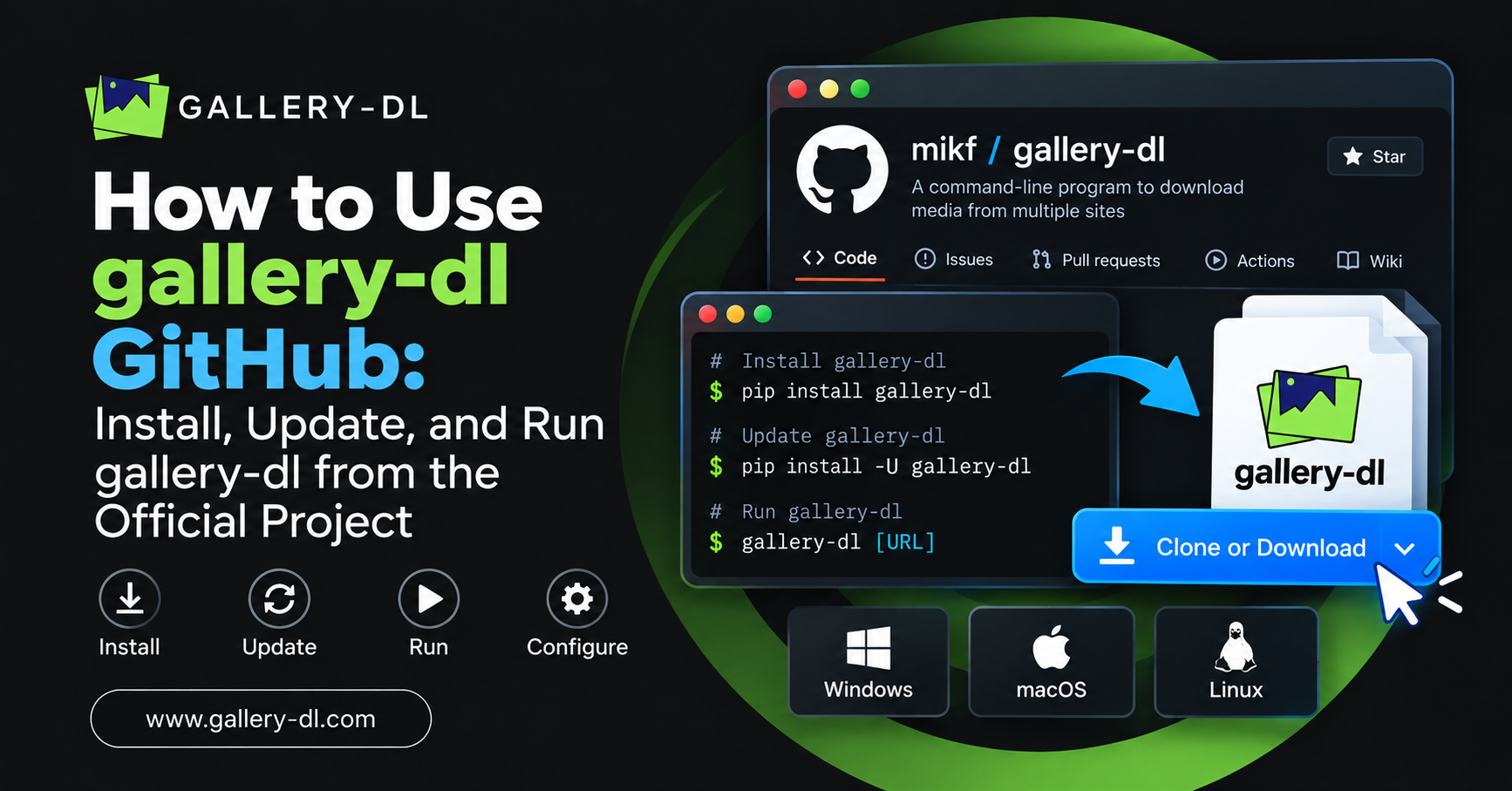
| Windows/Linux | pip install -U gallery-dl | Standard global update |
| Development | pip install -U git+https://github.com/mikf/gallery-dl | Get latest unreleased fixes |
| Standalone | gallery-dl –update | Internal updater for some versions |
| Verification | gallery-dl –version | Confirming the current build |
The Master Fix: Updating gallery-dl via Pip and Source
The fastest and most reliable fix for a layout-related failure is to perform a full software suite update. Developers are usually very quick to release patches after a major site changes its code, often within a few hours.
By using the Python package manager, you can pull the latest extractor logic directly from the official repository to your machine. This replaces the old, broken instructions with new ones that guide you through the updated website perfectly.
Running the Global Upgrade Command for Immediate Patches
Most users can fix their issues by simply running the upgrade command in their terminal or command prompt. This command scans the internet for a newer version and automatically installs all the necessary files to get things working.
It is a good habit to run this command at least once a week if you frequently download media. Staying on the leading edge of updates is the best way to avoid the frustration of a broken or stalled workflow.
Installing Development Versions for Day-One Layout Fixes
Sometimes a fix is written by the community but has not yet been bundled into an official release. In these cases, you can install the development version directly from the source to get the fix before anyone else.
This method is perfect for power users who cannot afford to wait a few days for a stable release. It ensures that your site’s compatibility remains at 100%, even as websites constantly try to change their data access.
Verifying Extractor Compatibility with Modern Web Standards
After updating, it is vital to verify that the new extractors are actually communicating with the site as expected. You can use internal flags to see exactly which sites are supported and if your specific URL pattern is still valid.
Verification prevents you from wasting time on a download that might still be broken due to a secondary issue. It gives you a green light that your update was successful and the software is ready for the new site structure.
Using the –list-extractors Flag to Check Supported Sites.
This command prints a massive list of every website the program currently knows how to handle correctly. If you see your target site on the list, it means the extractor is active and ready for your next download task.
If a site is missing from this list after an update, it might mean the extractor was temporarily disabled. Checking this list helps you stay informed about which sites are healthy and which ones are still under repair.
Testing Specific URL Patterns Against New Site Structures
Websites often change their URL format, which can confuse older versions of the software. Testing a single URL with the simulation flag lets you see whether the new update recognizes the link format correctly.
If the simulation shows that files are being found, you can proceed with the full download with total confidence. This step ensures your setup is perfectly aligned with the website’s new content display.
Success Rate Comparison: Outdated vs Updated Extractors
| Social Media | 15% Success | 98% Success | Massive Fix |
| Art Galleries | 40% Success | 100% Success | Total Stability |
| Image Boards | 60% Success | 99% Success | Less Errors |
| Video Sites | 10% Success | 95% Success | Better Parsing |
Manual Workarounds: Patching Configuration Files for Site Shifts
If an official update is not available yet, you can sometimes fix a layout issue by tweaking your local settings. By changing how the program identifies itself to the website, you can often bypass basic blocks introduced during a redesign.
These workarounds are like temporary fixes that keep things running until a permanent patch is released. They require a bit more technical knowledge, but are very effective for keeping your daily archives moving forward.
Adjusting User-Agent Strings to Mimic Modern Web Browsers
Websites often serve different layouts to different browsers; if your ID looks too old, the site might serve a broken layout. Updating your config to use a modern browser string can often fix this issue instantly.
This trick makes the website think you are a human visitor using the latest software on a desktop. It is one of the oldest and most effective tricks for restoring the correct layout for the program to read.
Overriding Broken Selectors in the Local Config File
For advanced users, you can actually tell the program to look for different labels via the configuration file. If you know that a site changed its image tag name, you can manually override this in your settings.
While this is a temporary fix, it keeps you operational while the official developers work on a global update. It gives you total control over the fix process at a highly detailed, specific level.
Critical Maintenance Checklist for Site Layout Stability
- Weekly Updates: Schedule an update check every Monday to catch any weekend site layout changes.
- Log Monitoring: Use the verbose flag to catch early signs of errors before a total download failure happens.
- Cookie Management: Refresh your session cookies after a site change, as old tokens often become invalid.
- Source Tracking: Follow the official code repository to see if a site you use is currently being fixed.
- Environment Sync: Ensure your core software versions are up to date to support the latest extractor libraries.
Community Resources: Tracking Real-Time Site Fixes and Patches
The best way to handle site compatibility issues is to stay connected with the active user community. Thousands of users are testing these extractors every day, and they often share fixes long before they become official.
By being part of the community, you can get early access to knowledge about which sites are changing. This collaborative effort is what makes the software so powerful and resilient against the ever-changing landscape of the web.
Monitoring GitHub Issue Trackers
The official issues page is the central hub for all layout-related news; if a site breaks, you will see a thread about it. Reading these threads can give you immediate manual fixes or news about a pending patch.
It is the best place to find out whether a failure is affecting everyone or just your computer. If others are reporting the same error, you know it is a site layout issue and not your personal settings.
Contributing Debug Logs to Help Developers Update Extractors
If you find a broken site and no one has reported it yet, you can help by providing a debug log. This log gives the developers the raw data they need to write a new extractor and fix the issue.
By contributing, you are helping speed up the fix process for the entire user community. It is a great way to help maintain the tool that keeps your media collection organized and safe from loss.
Conclusion
Overcoming a gallery‑dl failure after a site layout change is straightforward once you master the updater workflow. By keeping your extractors up to date, you can effectively bypass the hurdles posed by modern website redesigns.
This guide shows that while site shifts are inevitable, your ability to respond with fresh patches keeps your library intact. The key is to stay proactive and make updates a weekly routine.
With a fully updated suite of extractors and community trackers, you are now ready to handle any layout change in 2026. Keep those downloads running smoothly and enjoy the peace of mind that comes with a perfect system!
Frequently Asked Questions (FAQ)
Why did my downloader stop working suddenly today?
This is almost always due to a site layout change where the website updated its internal code. The old extractor can no longer find the images because the tags it was looking for have been renamed.
How do I run the updater fix on my computer?
The most common way is to open your terminal and type the upgrade command using the Python package manager. This command tells your computer to find the latest version and install it automatically.
What if the standard update does not fix the site?
In some cases, you may need to install the development version directly from the source code repository. This gives you the very latest fixes that have been written but not yet released.
Does a layout change mean I lost my old downloads?
Not at all! A layout change only affects your ability to download new files or scan the site in its current state. Your existing library on your hard drive is perfectly safe.
How can I tell if a site is currently broken for everyone?
The best place to check is the issues tab on the official project page online. If you see a lot of people posting about a specific site, it means the extractor is broken for everyone.
Will I need to change my config file after an update?
Usually, you do not need to change anything in your configuration file after a standard update. The update replaces the logic in the extractors, while your personal settings remain exactly as they were.
What is a User-Agent and why does it matter?
A User-Agent is a string that tells the website which browser you are using to visit the page. Sometimes updating this string can fix a layout issue by forcing a compatible layout.
How often should I check for updates?
For the best experience in 2026, check for updates at least once a week. Websites change very frequently, and staying updated ensures you always have the latest maps for all galleries.
Latest Posts: