gallery-dl is built for people who need a practical way to download and organize image galleries from many supported websites. Its command-line workflow, flexible configuration, custom naming options, authentication support, metadata extraction, and post-processing features make it useful for developers, artists, researchers, and archivists. As a collection grows, however, the machine running the jobs becomes an important part of the workflow.
For a small personal archive, a local computer can be enough. But a larger archive may need scheduled downloads, plenty of disk space, reliable network access, and enough processing capacity for sorting, renaming, and converting files. Running these tasks on a personal device can be inconvenient. The device must stay powered on, the internet connection must remain stable, and active download jobs can compete with everyday work.
This is where Dallas dedicated servers can be useful. A dedicated machine gives an archive workflow its own resources instead of sharing them with other hosting customers. That makes it easier to keep download jobs, file organization, and media processing separate from a local desktop. It also gives technical users more control over the operating system, storage layout, automation schedule, and security settings.
For gallery-dl users, storage and network planning should come first. Image archives can grow quickly, especially when a task includes several galleries, high-resolution media, or recurring collection updates. A server should have enough disk capacity for the current collection as well as room for future growth. It also needs a transfer allowance and network connection that fit the expected download volume. More CPU is helpful for post-processing, but it will not remove limits set by the source website.
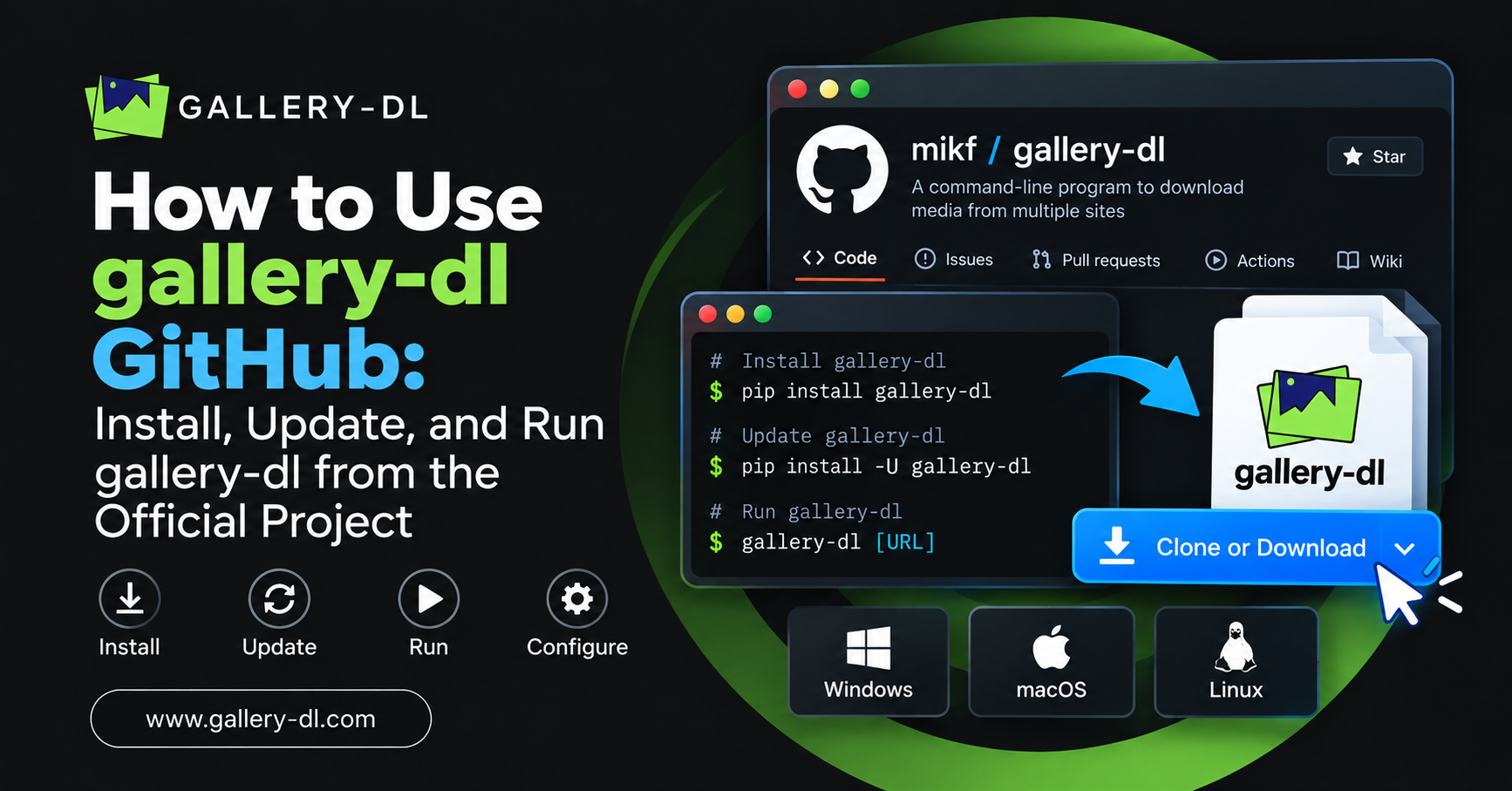
Automation is another reason to consider dedicated hosting Dallas options. A Linux server can run gallery-dl through SSH, Docker, or Python and use cron jobs to check selected sources on a schedule. An archive file can record completed downloads, which helps prevent repeated files and keeps collections organized. Custom directory rules and metadata files also make it easier to find content later.
Server security matters too. Use strong SSH keys, keep packages updated, limit access to the people who need it, and back up important archive data. Source websites should always be used according to their terms, access rules, and applicable copyright requirements. A well-managed server helps keep the technical side stable; it does not replace responsible use of the downloaded content.
It is also sensible to separate live jobs from backup storage where the archive has real value. Retention rules can remove files that are no longer needed, while a second copy protects against accidental deletion or disk failure. Start with a documented folder structure and a small test job before moving an entire collection to the server.
When an archive becomes too large for a personal computer, dedicated hosting dallas can provide reserved resources for long-running collection, organization, and processing tasks. This type of setup is most useful when storage needs, download schedules, and concurrent workloads have outgrown a smaller VPS or local machine.