Want to save images, galleries, or videos from Reddit and RedGIFs that you own or are allowed to download? gallery-dl is a command-line downloader that can automatically recognize supported URLs and organize the downloaded files.
This guide explains how to install and use gallery-dl Reddit, how to download from public Reddit posts, and how to use gallery-dl for RedGIFs Reddit links responsibly.
Table of Contents
ToggleQuick Answer: How to Use gallery-dl for Reddit
Install gallery-dl, then run it with a public or authorized Reddit or RedGIFs URL:
python -m pip install -U gallery-dl
gallery-dl "https://www.reddit.com/r/example/comments/POST_ID/example-post/"
gallery-dl detects the website from the URL and uses the matching extractor. It supports Reddit submissions, subreddits, user profiles, and several RedGIFs page types.
Only download media you own, have permission to archive, or that is available for lawful saving under the platform’s rules. Do not use tools to bypass private-community access, creator restrictions, paywalls, or other access controls.
What Is gallery-dl?
gallery-dl is an open-source command-line program for downloading image galleries and media collections from many supported websites. Rather than saving items one by one in a browser, you provide a supported URL and let the tool identify the relevant media files.
For Reddit, gallery-dl can work with public submissions, subreddit pages, profiles, redirects, and home-feed content. For RedGIFs, it supports public individual media pages, collections, niches, searches, and user profiles.
Before You Download Reddit or RedGIFs Media
Before using gallery-dl for Reddit, keep these points in mind:
- Download only content you created, own, or have clear permission to save.
- Respect Reddit, RedGIFs, subreddit, and creator rules.
- Do not attempt to download private, restricted, paywalled, login-locked, or otherwise protected content without valid authorization.
- Avoid redistributing someone else’s work without permission.
- Test the tool with one public post first before processing a larger collection.
This approach keeps your workflow useful for backups, personal archives, research, and authorized media management.
How to Install gallery-dl
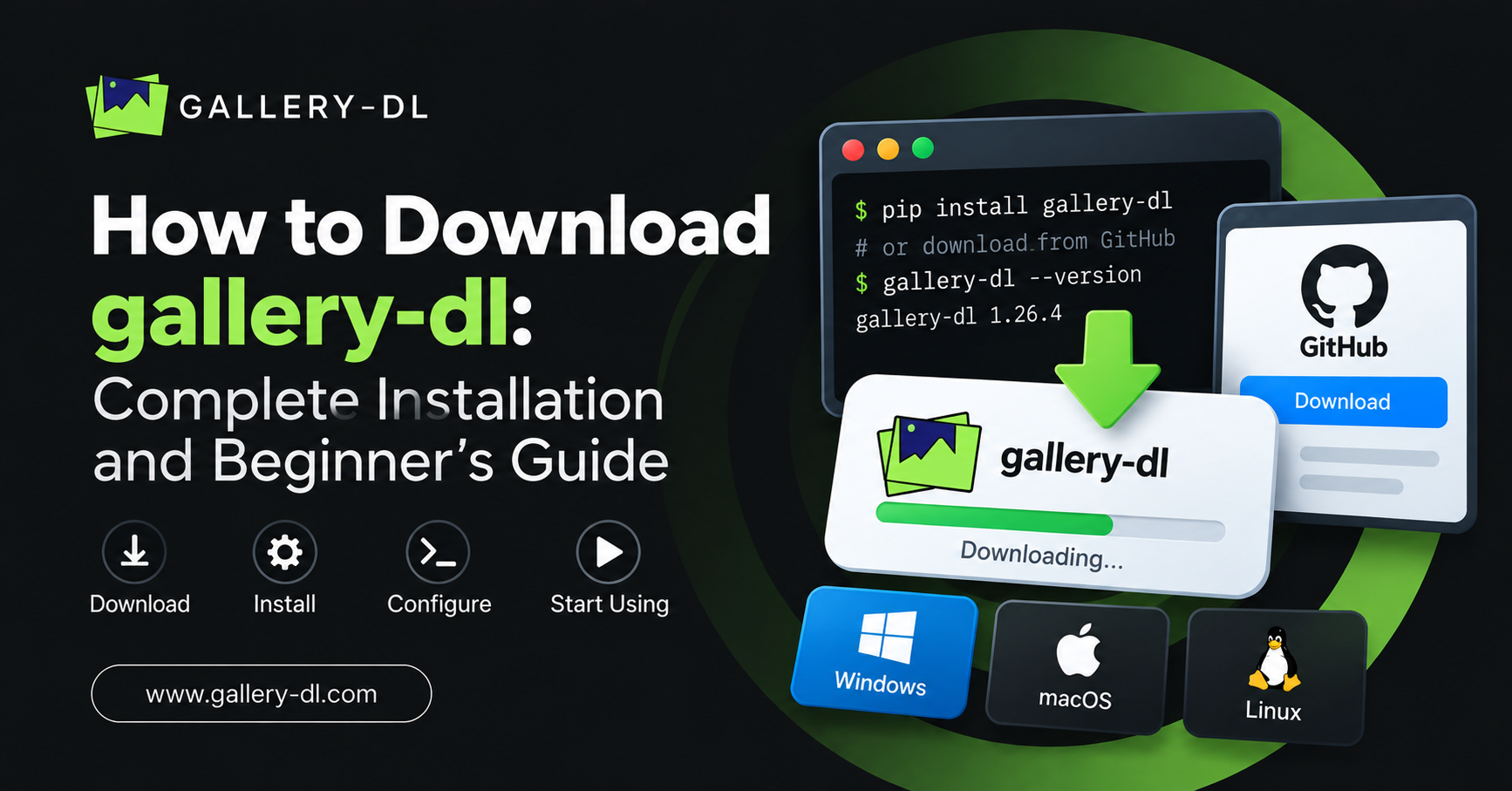
The most common installation method is through Python’s package manager, pip. gallery-dl requires Python 3.8 or newer.
Install gallery-dl on Windows
Open Command Prompt or PowerShell and run:
py -m pip install -U gallery-dl
If py is not available on your system, try:
python -m pip install -U gallery-dl
Install gallery-dl on macOS or Linux
Use the following command in Terminal:
python -m pip install -U gallery-dl
If you use Homebrew on macOS or Linux, you can also install it with:
brew install gallery-dl
The official project also lists package-manager options such as Snap, Chocolatey, and Scoop.
Confirm the Installation
After installation, check that gallery-dl is available:
gallery-dl --version
If a version number appears, you are ready to use gallery-dl with supported Reddit and RedGIFs URLs.
How to Use gallery-dl Reddit for a Public Post
To download media from a public Reddit submission that you are allowed to save, copy the post URL and place it after the gallery-dl command.
gallery-dl "https://www.reddit.com/r/example/comments/POST_ID/example-post/"
Replace the sample URL with the public Reddit post you want to archive.
gallery-dl checks the URL, finds the appropriate Reddit extractor, and downloads any supported media associated with that page. Depending on the post, this may include images, galleries, or external media that the tool supports.
A Reddit submission URL is usually the best place to start because it preserves useful context, such as the subreddit, post title, and author information.
How to Use gallery-dl for a Subreddit or Reddit Profile
gallery-dl may also be useful when you need to archive your own public profile content or public posts from a subreddit where you have permission to collect material.
For a public user profile, use a URL like this:
gallery-dl "https://www.reddit.com/user/example/"
For a public subreddit, use:
gallery-dl "https://www.reddit.com/r/example/"
Reddit support includes user profiles, subreddits, individual images, submissions, redirects, and home-feed content.
Start with a small test download. It helps you confirm that the URL is supported and that the resulting folder structure matches your needs.
How to Use gallery-dl for RedGIFs Reddit Links
Many Reddit posts point to RedGIFs. When you have permission to save the media, you can use either the relevant public Reddit submission URL or the original public RedGIFs page URL.
For a public RedGIFs media page, the command looks like this:
gallery-dl "https://www.redgifs.com/watch/example"
Replace example with the public RedGIFs page identifier.
If you are working from a Reddit post that embeds or links to RedGIFs, begin with the Reddit post URL. If the post does not provide the result you expect, use the original public RedGIFs page URL instead—provided you are authorized to download that media.
gallery-dl lists support for public RedGIFs images, collections, niches, search results, and user profiles.
Choose Where gallery-dl Saves Files
By default, gallery-dl saves files according to its configuration. To choose a specific download folder for one command, use the -D option.
gallery-dl -D "~/Downloads/gallery-dl" "https://www.reddit.com/r/example/comments/POST_ID/example-post/"
On Windows, use a path such as:
gallery-dl -D "C:\Users\YourName\Downloads\gallery-dl" "https://www.reddit.com/r/example/comments/POST_ID/example-post/"
Using a dedicated download folder makes it easier to separate your authorized Reddit archives from other files.
Organize Downloads with a gallery-dl Configuration File
If you use gallery-dl regularly, a configuration file can save time. For example, you can define one base folder for your downloads:
{
  "extractor": {
    "base-directory": "~/Downloads/gallery-dl"
  }
}
This is helpful when you routinely archive your own posts, approved project assets, or public research material. You can later expand the configuration to improve file naming and folder organization.
Keep your setup simple at first: install the tool, test a single approved URL, check the output folder, and only then customize the workflow.
Common gallery-dl Reddit Problems and Fixes
“gallery-dl is not recognized” error
This usually means the command is not available in your terminal path.
Try these steps:
- Close and reopen Command Prompt, PowerShell, or Terminal.
- Run the installation command again.
- Confirm that Python and pip are installed correctly.
- Use
python -m pip install -U gallery-dlto update the installation.
The Reddit or RedGIFs URL is not working
Check that you copied the complete public URL. gallery-dl works best with direct page links rather than shortened, incomplete, or altered URLs.
Also update gallery-dl:
python -m pip install -U gallery-dl
New website changes can sometimes require a newer gallery-dl release.
No media files are downloaded
The content may not contain compatible downloadable media, the URL may not be supported in that format, or the content may be access-restricted.
Do not try to work around private or protected access. Instead, confirm that the media is public, that you have permission to save it, and that you are using the correct original URL.
Files are saving in the wrong folder
Use the -D option to set a download location for that command, or create a configuration file with a preferred base directory.
Best Practices for Using gallery-dl on Reddit
A clean workflow makes gallery-dl easier to manage over time:
- Use direct Reddit or RedGIFs URLs.
- Download one approved post first as a test.
- Create separate folders for different projects.
- Keep gallery-dl updated.
- Save only media you are legally and ethically allowed to keep.
- Maintain a record of source links when archiving content for research or work.
- Never treat public availability as automatic permission to republish someone’s work.
FAQ: gallery-dl Reddit and RedGIFs
Does gallery-dl support Reddit?
Yes. gallery-dl supports multiple Reddit URL types, including public submissions, subreddits, user profiles, individual images, redirects, and home-feed content.
Does gallery-dl work with RedGIFs?
Yes. gallery-dl lists support for public RedGIFs pages such as individual media, collections, niches, search results, and user profiles.
Do I need to log in to use gallery-dl Reddit?
Many public pages can be accessed without a login. If content requires an account or special access, follow the platform’s normal rules and use only access you are legitimately authorized to use. Do not bypass restrictions.
Can I use gallery-dl for a private subreddit?
Only access and download content when you are explicitly authorized to do so and when it complies with the platform’s terms and the creator’s rights. This guide does not cover bypassing private or restricted access.
What is the easiest gallery-dl command for Reddit?
For a public, authorized Reddit post, use:gallery-dl "REDDIT-POST-URL"
Replace REDDIT-POST-URL with the full post link.
Conclusion
Learning how to install and use gallery-dl for Reddit is straightforward: install the tool, copy a supported public URL, choose a download folder if needed, and let gallery-dl process the page. The same workflow can help with authorized RedGIFs Reddit links when you use the original public URL and respect creator rights.
For reliable, organized media archiving, use Gallery-DL responsibly: start with one approved post, keep the software updated, and download only media you are permitted to save.
Latest Post:
- Domain Lookup: How to Check Domain Availability, Ownership, and Details
- How to Pause gallery-dl: Stop, Resume, and Manage Interrupted Downloads
- How to Use gallery-dl GitHub: Install, Update, and Run gallery-dl from the Official Project
- How to Use gallery-dl for Bunkr: Download Public and Authorized Files Safely
- How to Use gallery-dl for Flickr: Download Photos, Albums, and Your Authorized Media