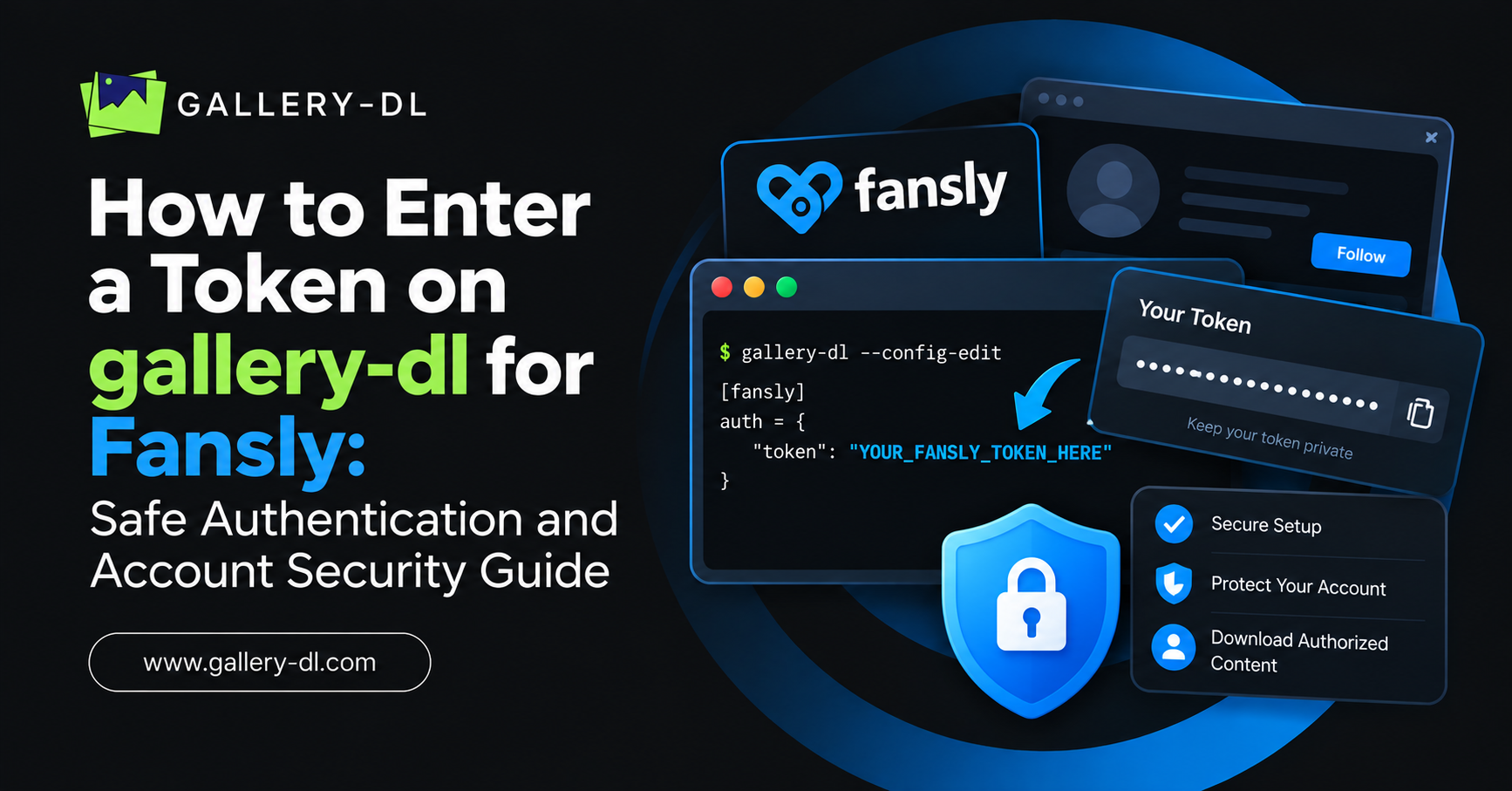
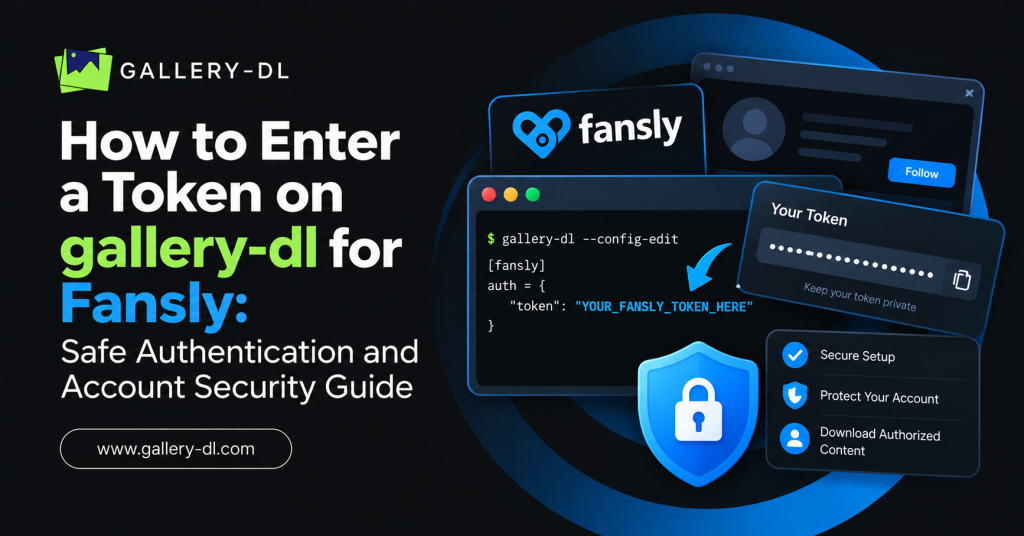
Searching for how to enter a token on gallery-dl for Fansly usually means you want to connect a signed-in account to a downloader. However, Fansly content can be subscription-only, creator-controlled, and subject to platform restrictions. For that reason, you should not extract, paste, share, or use account tokens to automate downloads of protected media.
The safe approach is to use only the official Fansly account experience and any creator-approved download, archive, or media-management options available to you. If you are a creator, use official account tools and keep your content backups under your direct control.
Table of Contents
ToggleQuick Answer
Do not copy a Fansly session token, browser cookie, authorization header, or account credential into gallery-dl. These values are highly sensitive and may grant access to creator-controlled or subscription-only media.
Instead:
- Use Fansly’s official website and account tools.
- Download only files that the creator or platform explicitly makes downloadable.
- Ask the creator for permission or a direct file if you need a legitimate copy.
- Use official creator backup, export, or support options for content you own.
- Never share account tokens, cookies, passwords, or browser-session data.
What Is a Fansly Token?
A token is a private authentication value that can identify an active account session. It may be stored by a browser after you sign in, but it is not intended to be copied into public tools, shared with others, or placed in scripts.
In simple terms, a token can function like a temporary account key. If another person obtains it, they may be able to access parts of your session. That is why entering, exporting, or sharing a Fansly token is risky.
Why You Should Not Add Fansly Tokens to gallery-dl
Using an account token with a downloader can create several serious problems:
- It may violate platform rules or creator terms.
- It can expose paid or private creator content.
- It can put your account security at risk.
- It may lead to unauthorized copying or redistribution.
- It can expose your account to suspension or unauthorized access.
- It may compromise your payment, subscription, or personal account information.
A paid subscription provides viewing access according to the platform’s rules. It does not automatically provide permission to download, copy, archive, redistribute, or republish content.
Can You Use gallery-dl for Fansly?
gallery-dl is a command-line downloader designed for supported websites and publicly or legitimately accessible media. It should not be used to defeat a platform’s access restrictions or to retrieve creator-controlled Fansly content through copied authentication data.
If you are trying to save content you own, the best option is to use an official creator workflow, a platform-supported export feature, or direct access to your original uploaded files.
If you are a subscriber, use the platform’s normal viewing experience and follow the creator’s permissions.
Safe Alternatives to Entering a Fansly Token
There are several safer ways to handle the content you legitimately need.
Use Official Fansly Features
Start by checking whether the content has an official download option or whether your account offers a legitimate way to save files.
If a download option is available, use it directly rather than using third-party tools or browser-session credentials.
Ask the Creator for Permission
If you need a downloadable copy for a legitimate reason, contact the creator. They may offer:
- A downloadable file.
- A purchase option for a higher-resolution version.
- A direct licensing agreement.
- A private delivery method.
- Permission for a specific personal or commercial use case.
Written permission is especially important if you plan to reuse the content in a project, website, social post, or commercial campaign.
Use Your Original Creator Files
If you are the creator, your original source files are the most reliable backup. Store them in a secure local drive, encrypted backup service, or creator-managed cloud folder.
Do not rely on browser session data as a content-backup strategy.
Contact Official Support
If you are locked out of your account, cannot access your own uploaded material, or need help with account recovery, contact official Fansly support through the platform.
Account recovery is safer than attempting to retrieve browser tokens or session information.
Risks of Sharing Fansly Cookies or Tokens
A Fansly token, session cookie, or browser-exported authentication file should be treated like a password.
Never do the following:
- Post it in a Discord server, forum, or support chat.
- Upload it to GitHub, Google Drive, Dropbox, or a public document.
- Send it to a freelancer, friend, or unknown “tool provider.”
- Paste it into a browser extension or website you do not fully trust.
- Include it in screenshots or tutorial videos.
- Store it in a public code repository.
- Buy, sell, request, or use someone else’s account session data.
If you think your account token or browser session has been exposed, sign out of active sessions if the platform provides that option, change your password, enable available security protections, and contact official support if necessary.
Fansly Creator Guide: Back Up Content Safely
Creators should build a media-backup workflow that does not depend on tokens or third-party download scripts.
A safer content-management process includes:
- Keep original photos, videos, captions, and project files before uploading.
- Organize files by date, campaign, content type, or collection.
- Maintain at least two secure backup locations.
- Use encrypted storage for sensitive source material.
- Keep a record of licensing rights, collaborations, and consent documentation.
- Review account-security settings regularly.
- Use official platform tools when you need account or upload assistance.
This protects your content without exposing account credentials.
How to Protect Your Fansly Account
Strong account security is more valuable than a shortcut for downloading content.
Use these best practices:
- Choose a unique, strong password.
- Turn on two-factor authentication if available.
- Do not reuse passwords from other sites.
- Avoid signing in on shared or public computers.
- Check your active sessions periodically.
- Be cautious of phishing emails and fake login pages.
- Do not install unknown browser extensions that request access to your browsing data.
- Never give another person your login information, token, or cookies.
FAQ: gallery-dl, Fansly Tokens, and Safe Access
Can I enter a Fansly token in gallery-dl?
I can’t provide steps for entering or extracting Fansly tokens in gallery-dl because that could enable access to protected creator content. Use official Fansly features and only creator-approved download methods.
Is a Fansly token the same as a password?
Not exactly, but it is still sensitive. A token can represent an authenticated account session, so it must be protected like a password.
Can I use a browser cookie to download Fansly content?
Do not export or use browser cookies to bypass platform controls or download creator-restricted content. Use only official, authorized download options.
I am the creator. How can I back up my Fansly content?
Keep the original files you uploaded and use secure backups. If you need account-level assistance, contact official Fansly support for legitimate creator-account options.
Can I download content after subscribing?
A subscription does not automatically mean you can download or redistribute the content. Follow the platform’s rules and the creator’s stated permissions.
What should I do if my token was exposed?
Change your password, review account sessions, enable available account-security features, and contact official support if you believe your account may be compromised.
Conclusion
Do not enter Fansly tokens, cookies, or session credentials into gallery-dl. Those credentials are sensitive and can create account-security, platform-compliance, and creator-rights issues.
The safest solution is to use official Fansly account features, creator-approved downloads, and direct permission when you need a legitimate copy. If you are a creator, protect your original files with a secure backup system instead of relying on tokens or third-party download tools.
Latest Post:
- Domain Lookup: How to Check Domain Availability, Ownership, and Details
- How to Pause gallery-dl: Stop, Resume, and Manage Interrupted Downloads
- How to Use gallery-dl GitHub: Install, Update, and Run gallery-dl from the Official Project
- How to Use gallery-dl for Bunkr: Download Public and Authorized Files Safely
- How to Use gallery-dl for Flickr: Download Photos, Albums, and Your Authorized Media