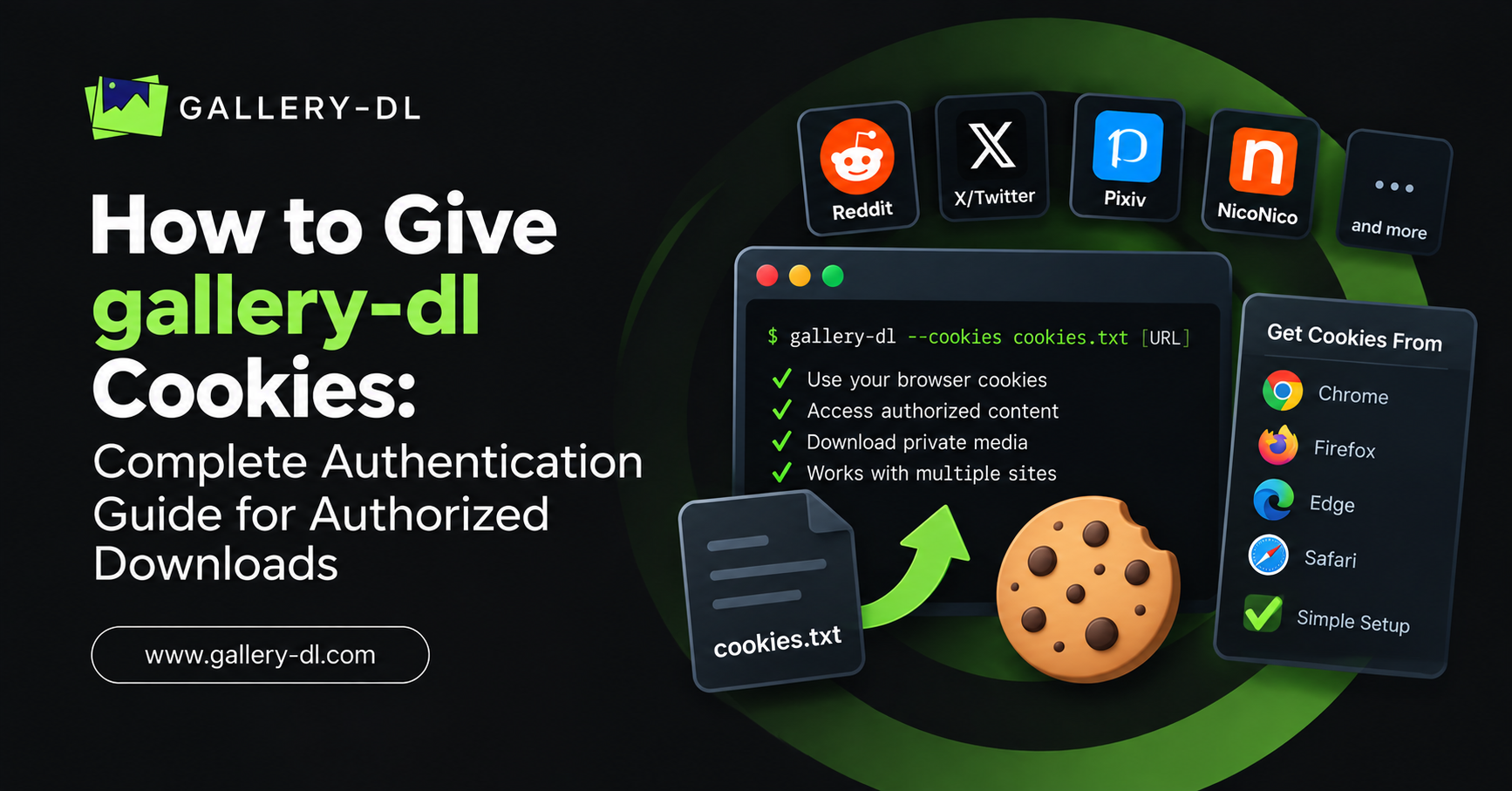
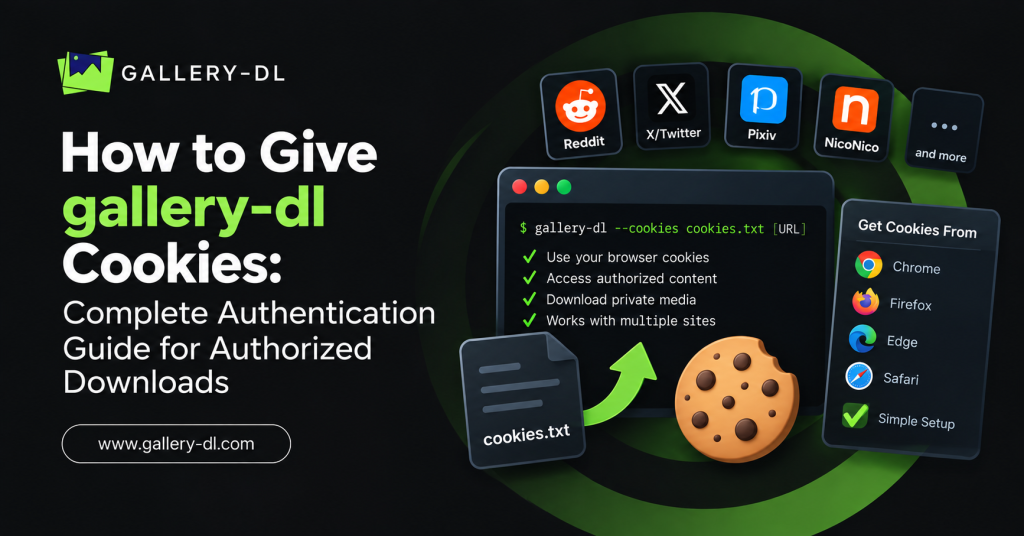
Cookies can help gallery-dl recognize an account you are already signed in to. This is useful when you are downloading your own media, archiving approved content, or using a supported website where your account has legitimate access.
This guide explains how to give gallery-dl cookies using a cookies.txt file, your own browser profile, command-line options, and a permanent gallery-dl configuration. It also covers Reddit cookie authentication, common errors, and cookie security.
Use cookies only from an account you own or are authorized to use. Cookies are sensitive session credentials. Do not use them to bypass private communities, paywalls, creator restrictions, login requirements, age gates, DRM, or any other access control.
Table of Contents
ToggleQuick Answer: How to Add Cookies to gallery-dl
The simplest way to give gallery-dl an authorized cookies.txt file is:
gallery-dl -C "/path/to/cookies.txt" "https://example.com/page-url"
You can also configure the cookie file permanently:
{
  "extractor": {
    "cookies": "/path/to/cookies.txt"
  }
}
gallery-dl supports cookies from a Mozilla/Netscape-format cookies.txt file, a cookie name/value object, or a supported local browser profile.
What Are Cookies in gallery-dl?
A browser cookie is a small piece of session data that helps a website remember that you are signed in. When gallery-dl receives cookies from your authorized account, it can make requests using that account session where the website permits it.
Cookies may be helpful for:
- Downloading content from your own account.
- Accessing a private area your own account is already authorized to view.
- Handling a supported site that requires a normal signed-in session.
- Reducing repeated sign-in prompts for a personal, permitted archive.
- Accessing account-level features available to you under the website’s rules.
Cookies are not public data. Anyone who gets a valid session cookie may be able to act as your signed-in session. Keep them private.
gallery-dl Cookie Methods Explained
gallery-dl provides several ways to supply cookies. The best option depends on whether you need a one-time download or a repeatable setup.
| Method | Best For | Security Level |
|---|---|---|
-C or --cookies command | One-time or occasional use | Good when the file stays private |
| Configuration file | Regular downloads from your own account | Good if config is protected |
| Browser profile option | Local personal computer use | Good when only your browser profile is used |
| Cookie name/value object | Advanced configuration | Use carefully; never share values |
The official gallery-dl documentation lists cookie-file paths, cookie objects, and browser profiles as supported cookie sources.
Before Adding Cookies to gallery-dl
Before you configure cookies, check these basics:
- Install the latest version of gallery-dl:
python -m pip install -U gallery-dl
- Confirm that it runs:
gallery-dl --version
- Sign in normally to the supported website in your own browser.
- Use cookies only for content you have the right to access and save.
- Store cookie files in a private local folder, not in a shared workspace or public repository.
Method 1: Use a cookies.txt File with gallery-dl
A cookies.txt file is one of the most common ways to give cookies to gallery-dl. The file must use the Mozilla/Netscape cookie-file format supported by gallery-dl.
Once you have a valid cookie file from your own authorized browser session, run:
gallery-dl -C "/path/to/cookies.txt" "https://example.com/page-url"
The short option -C means --cookies.
For example, on macOS or Linux:
gallery-dl -C "~/Documents/private-cookies/cookies.txt" "https://www.reddit.com/r/example/comments/POST_ID/example-post/"
On Windows:
gallery-dl -C "C:\Users\YourName\Documents\private-cookies\cookies.txt" "https://www.reddit.com/r/example/comments/POST_ID/example-post/"
Replace the example URL with a public or authorized page you are allowed to archive.
Why Use a Cookie File?
A cookie file is useful when you want to control exactly which session data gallery-dl uses. It is also convenient for occasional downloads because you can pass the file path directly in the command.
However, treat cookies.txt like a password file. Do not email it, upload it, publish it, or send it to another person.
Method 2: Add Cookies Permanently in the gallery-dl Config File
If you use gallery-dl regularly, adding a cookie source to the configuration file prevents you from typing -C every time.
Use this basic JSON structure:
{
  "extractor": {
    "cookies": "/path/to/cookies.txt"
  }
}
A more practical setup may also include a default download directory:
{
  "extractor": {
    "base-directory": "~/Downloads/gallery-dl",
    "cookies": "~/Documents/private-cookies/cookies.txt"
  }
}
Now you can run a normal gallery-dl command:
gallery-dl "https://example.com/page-url"
gallery-dl will load the cookie file from your configuration.
Add Cookies for One Website Only
For better organization, configure cookies only for the website that needs them. For example, a Reddit-specific configuration can look like this:
{
  "extractor": {
    "reddit": {
      "cookies": "~/Documents/private-cookies/reddit-cookies.txt"
    }
  }
}
This keeps your settings targeted. Cookies intended for Reddit should not be used as a general setting for unrelated websites.
Method 3: Let gallery-dl Read Cookies from Your Browser
gallery-dl also supports reading cookies from supported browser profiles on your local computer. The official command-line option is:
gallery-dl --cookies-from-browser BROWSER "URL"
For example, if you use Firefox on your own computer:
gallery-dl --cookies-from-browser firefox "https://example.com/page-url"
For a Chromium-based browser:
gallery-dl --cookies-from-browser chromium "https://example.com/page-url"
gallery-dl’s options documentation supports a browser name plus optional domain, keyring, profile, and container details.
Use Browser Cookies for a Specific Domain
You can limit browser-cookie use to a domain:
gallery-dl --cookies-from-browser firefox/reddit.com "https://www.reddit.com/r/example/comments/POST_ID/example-post/"
Using a specific domain is cleaner than loading unrelated cookie data from a browser profile.
Use a Named Browser Profile
If you have more than one browser profile, you can specify your personal profile when supported:
gallery-dl --cookies-from-browser firefox:Personal "https://example.com/page-url"
Only use profiles you control. Never attempt to access another person’s browser profile or session data.
How to Give gallery-dl Cookies for Reddit
For Reddit, cookies can help gallery-dl use a normal signed-in session when your account has legitimate access. This may be relevant for your own approved communities, saved content, or account-based actions supported by the tool.
One-Time Reddit Cookie Command
gallery-dl -C "~/Documents/private-cookies/reddit-cookies.txt" "https://www.reddit.com/r/example/comments/POST_ID/example-post/"
Permanent Reddit Cookie Configuration
{
  "extractor": {
    "reddit": {
      "cookies": "~/Documents/private-cookies/reddit-cookies.txt"
    }
  }
}
Reddit Browser-Cookie Command
gallery-dl --cookies-from-browser firefox/reddit.com "https://www.reddit.com/r/example/comments/POST_ID/example-post/"
gallery-dl documents that Reddit’s REST API mode can use cookies for authentication, while OAuth mode uses a client ID, user agent, and refresh token.
For repeatable Reddit workflows, OAuth is often the cleaner choice. For a temporary, authorized browser-session workflow, cookies may be appropriate.
Cookies vs. Tokens: Which Should You Use?
Cookies and tokens both relate to authentication, but they are not identical.
| Feature | Cookies | OAuth Refresh Token |
|---|---|---|
| Comes from | Your browser session | Official API authorization |
| Best for | Temporary browser-based sign-in | Longer-term API-based access |
| Can expire | Yes | Yes, depending on the service |
| Should be shared | Never | Never |
| Recommended for Reddit automation | Suitable for normal session use | Often better for structured API access |
If you are setting up Reddit for long-term authorized use, consider the official OAuth method using:
gallery-dl oauth:reddit
This links gallery-dl to your own Reddit app and account through the official authorization process.
How to Export Updated Cookies
gallery-dl can export session cookies using the --cookies-export option:
gallery-dl --cookies-export "~/Documents/private-cookies/updated-cookies.txt" "https://example.com/page-url"
The documentation also notes that the cookies-update configuration option can export session cookies in cookies.txt format and update an existing valid cookie file.
Only export to a secure local location. Never save updated cookies in a public project folder.
How to Test Whether Cookies Are Working
Use a single page that your account can legitimately view. Do not begin with a large archive.
gallery-dl -C "~/Documents/private-cookies/cookies.txt" "https://example.com/page-url"
If the request succeeds, gallery-dl should begin extracting the supported media or page information.
If the test fails, check:
- Is the URL complete and supported?
- Are you signed in to the correct account?
- Is the cookie file still valid?
- Is the cookie file in Mozilla/Netscape format?
- Does your account have permission to access the page normally?
- Is gallery-dl up to date?
Common gallery-dl Cookie Errors and Fixes
“Cookies file not found”
The file path is incorrect.
Check the path carefully:
gallery-dl -C "/full/path/to/cookies.txt" "URL"
On Windows, use double quotes around paths that contain spaces.
“Unauthorized” or “Login required”
Your cookies may have expired, the session may no longer be active, or your account may not have access to the page.
Sign in normally through the website, refresh your own authorized cookie source, and test again. Do not try to bypass the site’s access controls.
gallery-dl ignores the cookies
Ensure you are using a valid cookies.txt file or the correct browser profile. If you configured cookies in JSON, validate the commas, quotation marks, and braces.
Correct example:
{
  "extractor": {
    "cookies": "~/Documents/private-cookies/cookies.txt"
  }
}
A previous session is causing problems
gallery-dl can cache login sessions and cookies. If an outdated session causes errors, clear the relevant cache:
gallery-dl --cache-clear reddit
The gallery-dl options documentation describes cache clearing as a way to delete cached login sessions and cookies for a module.
Then retry with your current authorized cookie source.
The cookie file works in a browser but not in gallery-dl
Browser data and cookie-file format are not always interchangeable. Confirm that your cookie file uses the supported Mozilla/Netscape format and that the website extractor is supported by your installed gallery-dl version.
Updating gallery-dl is a good first troubleshooting step:
python -m pip install -U gallery-dl
Cookie Security Best Practices
Cookies can provide access to an active account session. Follow these rules:
- Use only cookies from your own account.
- Never share a
cookies.txtfile. - Never commit cookie files to GitHub or another code repository.
- Keep cookie files outside publicly shared folders.
- Use a separate private directory for authentication files.
- Remove or replace cookies if you suspect they were exposed.
- Avoid running gallery-dl with cookies on a shared computer.
- Use website-specific cookies instead of applying every cookie globally.
- Prefer official OAuth where a service supports it well.
FAQ: How to Give gallery-dl Cookies
What command adds a cookie file to gallery-dl?
Use:gallery-dl -C "/path/to/cookies.txt" "URL"
Can I add cookies to the gallery-dl config file?
Yes. Add a cookies setting under extractor or under a specific website extractor.
Does gallery-dl support browser cookies?
Yes. gallery-dl supports --cookies-from-browser for supported local browser profiles.
Can I use cookies to access private content?
Only when your own account is already explicitly authorized to access it and your use complies with the website’s rules. Cookies must never be used to bypass restrictions.
Is a cookies.txt file safe to share?
No. Treat it like a password or account key. Do not share, publish, upload, or store it in a public location.
Should I use cookies or a Reddit token?
For a short-term, authorized browser-session workflow, cookies can work well. For a more structured Reddit API setup, an OAuth refresh token is often the better choice.
Conclusion
To give gallery-dl cookies, use the -C command option, save your own cookies.txt file in the configuration, or let gallery-dl read cookies from a supported local browser profile. Always use session data from your own authorized account and keep those credentials private.
For a secure Gallery-DL workflow, start with one approved URL, use website-specific cookies, update gallery-dl regularly, and switch to official OAuth authentication when a supported service offers it.
Latest Post:
- Domain Lookup: How to Check Domain Availability, Ownership, and Details
- How to Pause gallery-dl: Stop, Resume, and Manage Interrupted Downloads
- How to Use gallery-dl GitHub: Install, Update, and Run gallery-dl from the Official Project
- How to Use gallery-dl for Bunkr: Download Public and Authorized Files Safely
- How to Use gallery-dl for Flickr: Download Photos, Albums, and Your Authorized Media