
Top 5 Hosting Providers in 2026: Compare Features, Benefits, and Services

Choosing the right web hosting provider is essential for building a successful website. A hosting service stores your website’s files, makes your content accessible online, and provides the resources needed to handle visitors. Whether you run a personal blog, an eCommerce store, or a business website, your hosting provider can affect website performance, security, and […]
Top Websites 2026: Discover Your Next Favorite Corner of the Internet
Top websites 2026 searches can lead to everything from practical planning tools to digital museums and creative communities. The most useful discoveries are the ones that fit your life: a website that simplifies a task, teaches you something clearly, or makes a short break more enjoyable. You do not need dozens of new accounts or […]
How to Fix Gallery-DL Coomer DDoS-Guard Errors
Gallery-DL Coomer DDoS-Guard errors can prevent users from downloading images, videos, and other media files. Many users face problems like 403 Forbidden errors, blocked requests, connection timeouts, and security verification messages when accessing Coomer through Gallery-DL. These errors usually occur because DDoS-Guard blocks automated requests to protect the website. This guide explains common causes, troubleshooting […]
How to Enter a Token in Gallery-DL on Windows, Mac, and Linux
How to enter token on Gallery DL is a common question among users who face authentication errors, failed downloads, or restricted website access. Many beginners struggle with adding access tokens, finding configuration files, and setting up authentication correctly. Gallery-DL supports authentication methods such as OAuth tokens, API keys, and browser cookies for supported websites. This […]
How to Update Gallery-DL to the Latest Version on Windows, Mac, and Linux
Update Gallery-DL to fix download errors, improve website compatibility, and access the latest features. Many users face problems with outdated versions, unsupported URLs, failed downloads, and authentication errors when downloading images and videos from different websites. Keeping Gallery-DL updated improves performance and reduces common download problems. This guide explains how to update Gallery-DL on Windows, […]
How to Use Gallery-DL to Download Images and Videos
How to use Gallery-DL is a common question among users who want to download images and videos from different websites. Many beginners struggle with installation, command-line tools, unsupported URLs, and download errors when saving online media. Gallery-DL is a free tool that helps users download images, videos, and galleries from supported websites. This guide explains […]
How to Download Instagram Posts with Captions Using Gallery-DL
Gallery DL Instagram posts with captions is a useful method for saving Instagram photos, videos, and their captions. However, many users struggle to download captions along with media files or face problems with missing metadata and Instagram restrictions. Gallery-DL is a command-line tool that helps users download supported Instagram content and save available post information. […]
Domain Lookup: How to Check Domain Availability, Ownership, and Details
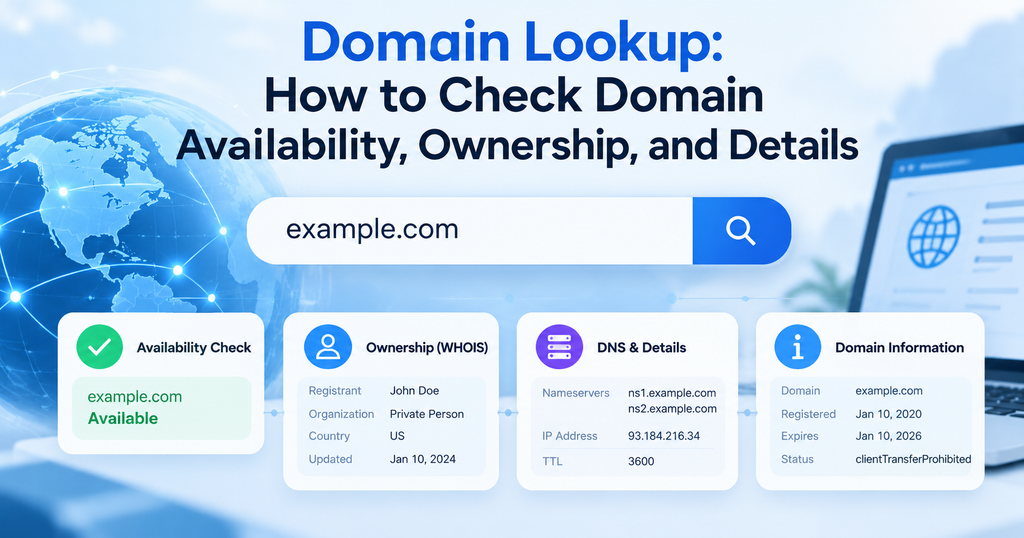
A domain lookup helps you check whether a domain name is available, registered, active, expired, or connected to specific registration records. It is commonly used before buying a domain, researching a website, or troubleshooting DNS and ownership issues. What Is a Domain Lookup? A domain lookup is the process of searching for information about a […]
How to Pause gallery-dl: Stop, Resume, and Manage Interrupted Downloads
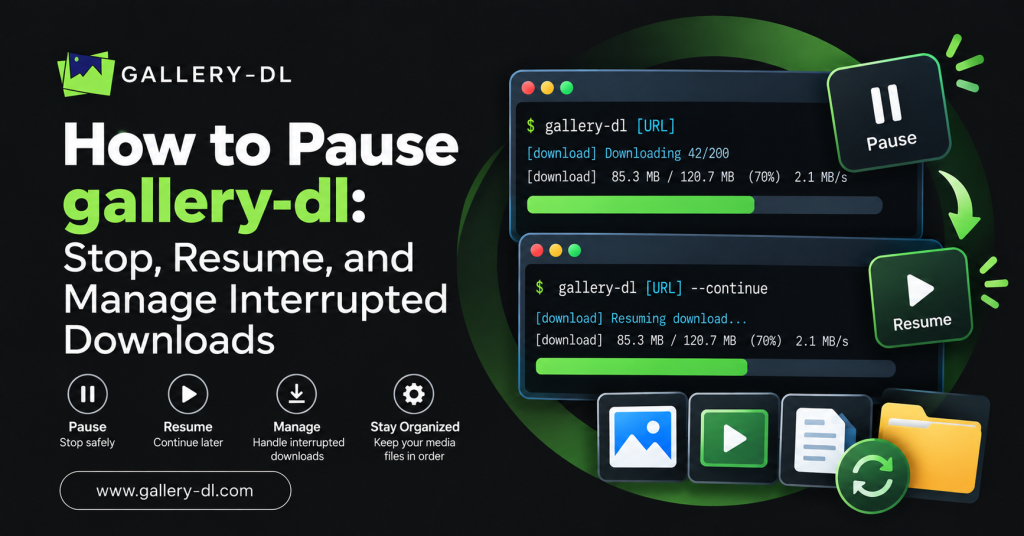
gallery-dl does not have a built-in interactive pause and resume button like a graphical download manager. However, you can safely stop a running download, then start the same command again later. When partial-download handling is enabled, gallery-dl uses .part files and can resume incomplete file downloads where the source server supports resuming. This guide explains […]
How to Use gallery-dl GitHub: Install, Update, and Run gallery-dl from the Official Project
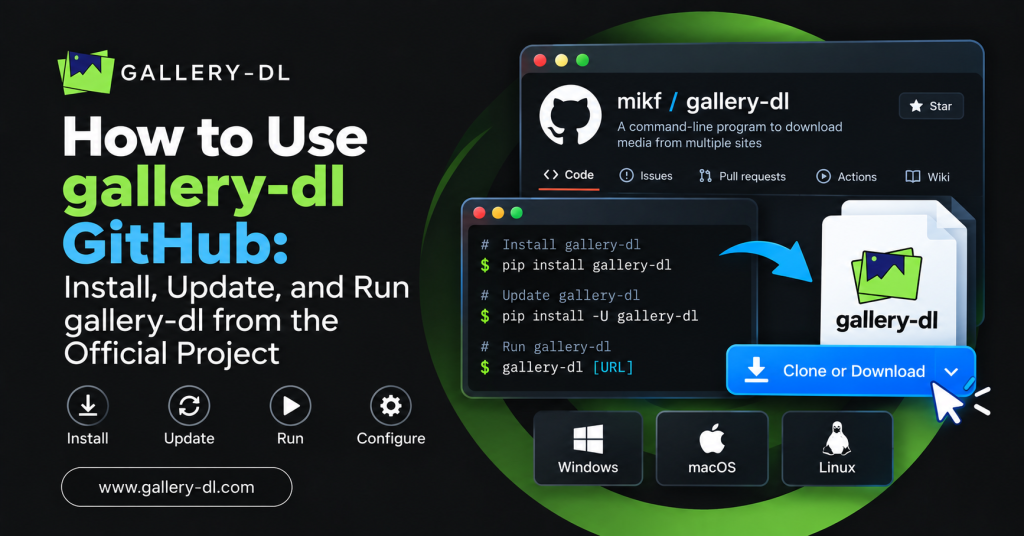
If you are searching for how to use gallery-dl GitHub, you may want to install gallery-dl from its source repository, download a release, report an issue, or understand which project page is current. gallery-dl is a command-line program for downloading image galleries and collections from supported websites. The GitHub repository is still useful for project […]