Introduction
In today’s digital age, the need to save and organize media content from various online platforms has increased significantly. Whether you’re a photographer, artist, or just someone who enjoys browsing and collecting high-quality images, videos, and other media, Gallery-dl is an essential tool for simplifying this task.
In this comprehensive guide, we’ll dive deep into what Gallery-dl is, how to use it, its core features, and the many supported sites that make it a versatile tool for media collection.
What Is Gallery-dl?
Gallery-dl is a command-line program designed for downloading media from a wide variety of websites. Whether you need to download images, videos, or entire galleries, Gallery-dl offers a robust and efficient solution for saving digital content. Unlike traditional downloaders, it supports numerous sites, including Instagram, Pixiv, Flickr, and more, allowing users to fetch content from multiple sources with just a few commands.
What makes gallery-dl unique is its ability to retrieve media at high quality and organize them according to custom parameters. This means you can easily fetch galleries from online platforms without worrying about disorganized or low-quality downloads.
Key Features of Gallery-dl
1. Wide Range of Supported Sites
One of the main attractions of Gallery-dl is its extensive list of supported sites. It is compatible with hundreds of platforms, making it an invaluable tool for anyone who wants to collect media from the internet. Some of the popular sites supported by Gallery-dl include:
- Instagram – Download posts, stories, albums, and user profiles.
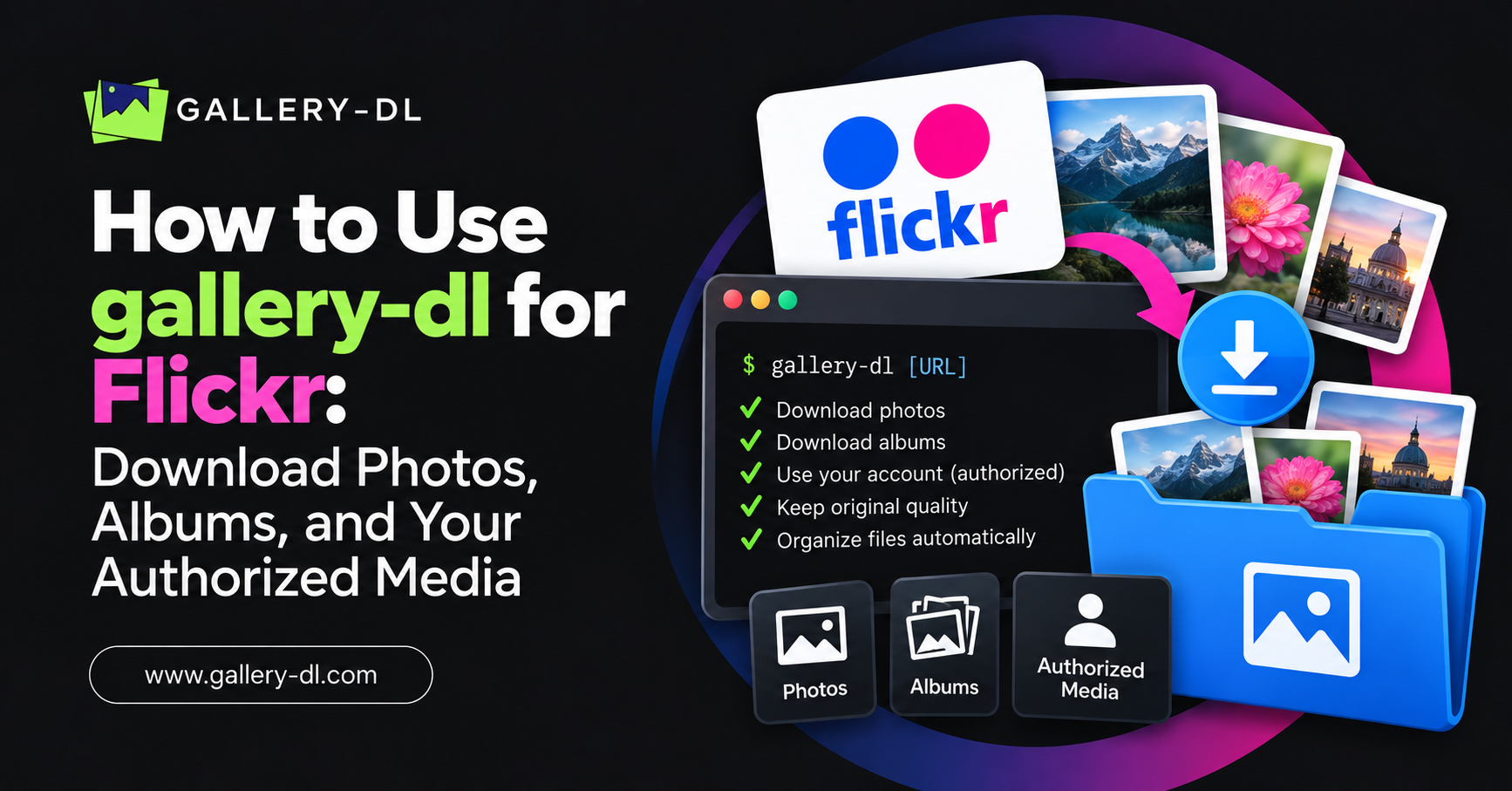
- Flickr – Fetch entire galleries or specific photos from user accounts.
- Pixiv – Download user artworks, including high-resolution images and illustrations.
- DeviantArt – Save digital art and galleries from one of the largest art communities.
- Tumblr – Retrieve posts, images, and media from Tumblr blogs.
- Reddit – Download media from specific subreddits or posts.
- ArtStation – Collect digital artwork and images from artists’ portfolios.
- Behance – Download creative portfolios and projects from professionals.
- 500px – Fetch high-quality photography from a platform focused on premium images.
- Pinterest – Save images from boards and pins for personal use.
These are just a few examples of the sites Gallery-dl can handle. The tool supports a variety of galleries, user profiles, and even albums across different websites.
2. Batch Downloads and Automation
With Gallery-dl, users can queue up multiple downloads at once. This feature is particularly useful when dealing with large collections or galleries from multiple sources. You can easily automate the process with batch downloading, saving you time and effort. Whether it’s downloading an entire artist’s profile or a specific hashtag gallery, Gallery-dl handles large volumes of files effortlessly.
3. Customizable Download Options
Gallery-dl allows for a high degree of customization in how media is downloaded. You can specify file formats, resolution, and quality settings to ensure you get the best possible output. If you’re an advanced user, you can even use download filters to refine the types of media you want to save. For example, you could filter by image resolution or file size, so only the content that meets your criteria is downloaded.
4. Metadata and Folder Organization
Gallery-dl doesn’t just download media; it also organizes files so they’re easy to find later. It automatically sorts media into folders, based on user preferences or the platform’s default organization structure. This includes organizing images by gallery, author, or tags, helping you keep everything neatly categorized for future use.
Additionally, Gallery-dl can retrieve important image metadata, such as titles, tags, and descriptions, providing useful information about each piece of content.
5. Supports Multiple Media Types
Gallery-dl supports a wide variety of media formats. From images (JPEG, PNG, GIF, etc.) to videos (MP4, WebM, etc.), you can download almost anything that’s hosted on supported platforms. This makes it ideal for users who need a versatile downloader that can handle a wide range of content types.
6. Cross-Platform Compatibility
Gallery-dl is available on major operating systems, including Windows, macOS, and Linux, making it accessible to a wide audience. Since it’s command-line-based, it doesn’t require a graphical interface, which makes it lightweight and fast for users who prefer working in terminal-based environments.
How to Install and Use Gallery-dl
Step 1: Installation
Installing Gallery-dl is safe and works on any platform. For most users, simply running a few commands in the terminal will get the tool up and running.
For Windows Users:
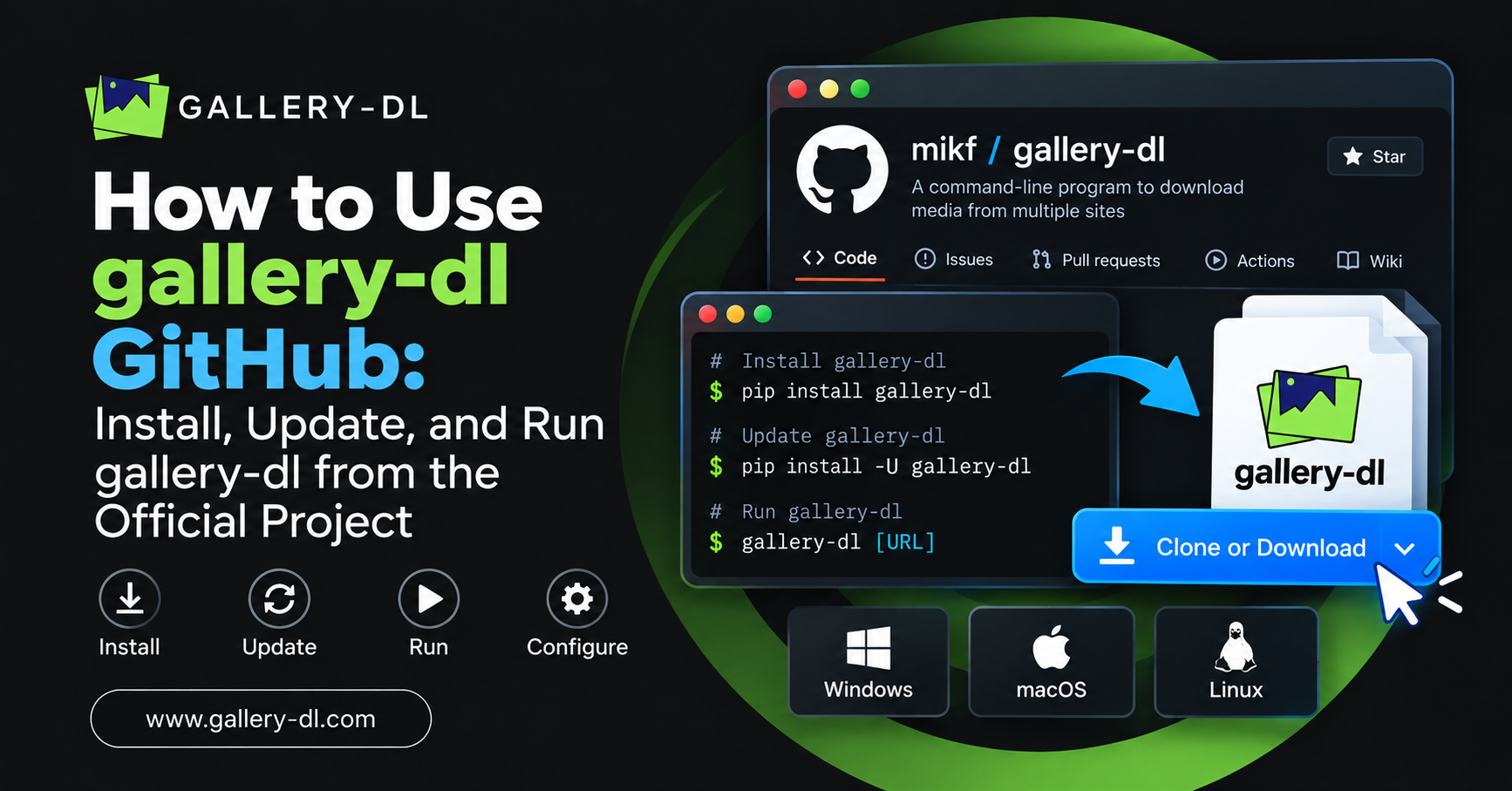
- Download the latest version of Gallery-dl from its official GitHub page.
- Extract the files and add Gallery-dl to your system’s PATH.
For macOS and Linux Users:
- Use package managers like Homebrew (macOS) or apt (Ubuntu) to install Gallery-dl:
brew install gallery-dl
- or
sudo apt-get install gallery-dl
Step 2: Basic Usage
Once installed, using Gallery-dl is simple. Open your terminal and use the following syntax:
gallery-dl <URL>
For example:
gallery-dl https://www.instagram.com/usernameThis will start downloading all the media from the specified Instagram profile.
Step 3: Advanced Options
For advanced usage, you can customize your downloads by adding parameters:
- Download videos:
gallery-dl --format mp4 https://www.instagram.com/username- Specify output directory:
gallery-dl -d "C:/Downloads" https://www.instagram.com/usernameFrequently Asked Questions (FAQs)
1. What is Gallery-dl?
Gallery-dl is an open-source command-line tool for downloading images, videos, and entire galleries from supported websites.
It works by extracting media files directly from online platforms and saving them to your computer. Gallery-dl is commonly used for downloading content from sites like Instagram, Pixiv, DeviantArt, and Flickr in an organized way.
2. Which websites does Gallery-dl support?
Gallery-dl supports hundreds of websites that host images, videos, and galleries.
Popular supported platforms include Instagram, Flickr, Pixiv, DeviantArt, Tumblr, Reddit, and many others. The complete, regularly updated list of supported sites is available in the official gallery-dl GitHub repository.
3. Is gallery-dl free to use?
Yes, Gallery-dl is completely free and open-source software.
Anyone can download, install, and use it without paying any fees. Since it is open source, developers can modify or improve the tool to meet their needs.
4. Can I use Gallery-dl to download videos?
Yes, Gallery-dl can download videos from many supported websites.
The tool detects available media files on a page and automatically downloads them. In many cases, users can also customize the download format, file naming structure, and output quality.
5. Can gallery-dl download media in bulk?
Yes, gallery-dl supports bulk downloading of media content.
You can download entire galleries, albums, user profiles, or multiple posts with a single command. This feature makes gallery-dl useful for quickly collecting large numbers of images or videos.
6. Is gallery-dl available for all operating systems?
Gallery-dl works on major operating systems, including Windows, macOS, and Linux.
Because it is a command-line tool written in Python, it runs efficiently on any system with Python installed.
7. Do I need coding skills to use Gallery-dl?
No, you do not need advanced coding skills to use Gallery-dl.
Basic usage only requires running simple commands in the terminal or command prompt. Most users can start downloading content by simply entering a URL.
8. How do I update Gallery-dl?
You can update gallery-dl by reinstalling the latest version using your package manager or pip.
For example, if installed with pip, you can update it with:
pip install -U gallery-dl
Alternatively, you can download the newest release from the official GitHub page and replace the older version.
Conclusion
In summary, Gallery-dl is a powerful tool for downloading media from a wide range of websites. Its flexibility, speed, and ability to handle batch downloads make it an excellent choice for anyone who collects online media.
Whether you’re a hobbyist looking to save your favorite images or a professional working with large volumes of content, Gallery-dl has the features and support you need to make the process seamless and efficient.
Latest Post: